15 SEO Content Briefs Every Writer Needs Before Hitting Publish (Plus a Content Brief Template)

I've watched this play out on dozens of content teams. So let's go through the 15 things every SEO brief actually needs, how they fit together, and how to build (or automate) your own template before your next assignment goes out the door.
Table of Contents
- What Is an SEO Content Brief?
- Why a Content Brief Template Saves Time and Improves Rankings
- The 15 Essential Elements Every Content Brief Template Must Include
- Content Brief Template Comparison: Spreadsheet vs. Document vs. AI-Generated
- How to Build Your Own Content Brief Template
- Common Content Brief Mistakes That Sabotage Writers
- Frequently Asked Questions
What Is an SEO Content Brief?
An SEO content brief is a pre-writing document that turns keyword research and SERP analysis into instructions a writer can follow without being an SEO expert themselves. It answers the what, the why, and the how of an article before anyone drafts a single sentence.
At its core, a brief is the bridge between the strategist who knows what search intent and ranking factors mean and the writer who just needs to produce something people want to read. I like to think of it as the blueprint stage. An architect doesn't hand a contractor a vague idea and cross their fingers, and content teams shouldn't hand writers a bare keyword and hope for the best. A good brief usually covers the target keyword, the search intent, a competitive outline, and some formatting notes, all of which I'll get into below.
And the difference between a generic "writing brief" and an SEO one really does matter. A generic brief might say "write 1,000 words about email marketing." Cool. An SEO brief tells you which subtopics your competitors are already covering, what's showing up in the "People Also Ask" box, which secondary keywords to work in naturally, and which internal links belong in the piece. That level of detail is the whole game. It's what separates content that ranks from content that just... exists somewhere on the internet.
Why a Content Brief Template Saves Time and Improves Rankings
A content brief template saves time by killing the repetitive research and the endless back-and-forth revisions, and it improves rankings because every article gets built around real, verified search intent instead of a hunch. When writers work off a consistent template, editors stop fixing scope problems and start actually refining quality.
Here's what happens to every content team that scales, whether you're in-house, running a freelance roster, or an agency juggling five client accounts. You hit the same wall: inconsistent output. One writer nails the keyword targeting but completely forgets internal links. Another writes gorgeous prose and totally whiffs the intent, delivering a listicle when the SERP is screaming for a step-by-step guide. A template standardizes the whole thing so quality doesn't hinge on which writer happened to grab the assignment that week.
There's a compounding payoff too. Once you've built the template, you reuse it across dozens or hundreds of articles with only minor tweaks each time. That's exactly why more teams are trying to automate the research-and-brief stage entirely. If you're sick of pulling competitor data and structuring outlines by hand every single time, it's worth reading how to automate your content pipeline from idea to publish, which walks through turning this repeatable slog into an actual system.
Oh, and one more thing. Search intent mismatch is still one of the top reasons content flops. An article can be beautifully written and still tank if it answers the wrong question in the wrong format. A brief forces you to check intent upfront, before you've burned time and budget on a draft that's headed straight for the trash.
The 15 Essential Elements Every Content Brief Template Must Include
Every effective SEO content brief has the same core building blocks, no matter what tool or spreadsheet you cram them into. Here are the 15 that separate a brief that genuinely guides a writer from one that's just a keyword pasted into a Google Doc.
1. Primary Keyword and Search Intent
The primary keyword is the main term the article is built to rank for, and search intent is the reason someone typed that query in the first place: informational, navigational, commercial, or transactional. Your brief needs to spell out both. Take "content brief template." The intent there is mostly informational with a commercial undertone (people are often shopping around for a tool or template to adopt), and that shapes whether the piece should read as an educational guide, a product comparison, or a bit of both.
2. Target Audience and Persona
Name the person you're writing for. Job title, experience level, the problem keeping them up at night. "SEO managers at mid-size agencies who need to onboard freelance writers fast" tells a writer a hundred times more than "marketers" ever will.
3. Secondary and Semantic Keywords
Beyond the primary keyword, list the related terms the article should fold in naturally, things like "SEO content brief," "content outline," or "editorial guidelines." These aren't for keyword stuffing. They should line up with subtopics the article needs to cover anyway.
4. SERP and Competitor Snapshot
This is where you document what's actually ranking right now: the top five to ten URLs, their rough word counts, the formats they use (listicle, guide, comparison), and the gaps they leave wide open. It's the most research-heavy part of building a brief, and it's the piece most teams try to skip. Which is exactly why automated workflows have caught on for this step.
5. Recommended Word Count
Don't pull a number out of thin air. Base it on the competitor snapshot. Something like "aim for 2,000 to 2,800 words based on the top-ranking pages" is way more useful than a flat target with zero context behind it.
6. Title Tag and Meta Description Guidance
Give the writer a working title tag (keep it under 60 characters) and a meta description (under 160) with the primary keyword in it. Sure, these get refined later. But handing over a starting point keeps the headline anchored to search intent instead of becoming a last-minute afterthought at 5pm on deadline day.
7. Heading Structure Outline
A recommended H2/H3 outline mapped to subtopics stops writers from organizing an article in a way that ignores what searchers and search engines expect. It doesn't have to be rigid. Writers should feel free to adjust. But a skeleton keeps the structure consistent across a team.
8. Internal Linking Requirements
Tell the writer which existing pages to link to and what anchor text to use, so the article supports your site architecture and passes authority to the pages that matter. This is one of the most commonly skipped elements, and it's a shame, because it's how topical clusters get built over time.
9. External Linking and Citation Requirements
Note whether you expect outbound citations to authoritative sources, and if so, how many and where. Good citations add credibility and give both readers and AI answer engines something verifiable to trust.
10. Tone, Voice, and Style Guidelines
A quick style note goes a long way. Formal or conversational? First person or third? US or UK spelling? When you've got multiple contributors writing for one brand, this is what keeps everything sounding like it came from the same place.
11. Call-to-Action and Conversion Goal
Every piece needs a reason to exist beyond ranking. Spell out what you want the reader to do next: subscribe, download, book a demo, read a related article. That way the writer builds toward it naturally instead of tacking a CTA onto the last paragraph like an afterthought.
12. Structured Data and Schema Notes
If the article should support FAQ schema, HowTo schema, or article schema, flag it in the brief. Then the writer knows to format things (clean question-and-answer pairs, for instance) in a way that makes the markup easy to add later.
13. Featured Snippet and "People Also Ask" Targets
List the exact questions showing up in Google's "People Also Ask" box, plus the answer format you want (40 to 60 words for a paragraph snippet). That way writers can go after snippet opportunities on purpose instead of stumbling into one by luck.
Want content like this running on autopilot for your own site? Try RobinRank free — AI-written, SEO-optimized articles generated and published automatically, no credit card required.
14. Visual and Media Requirements
Say whether the article needs original images, screenshots, charts, comparison tables, or embedded video, and include any brand rules for visuals. Nothing's more annoying than a finished draft sitting in limbo because nobody thought about images until the end.
15. Publishing Details and Deadline
Last but not least, the boring logistics: publish date, CMS platform, assigned editor, and any distribution plans like a newsletter or social push. Vague deadlines are the fastest way I know to lose control of an editorial calendar.
Get all 15 in there, and a writer can go from brief to draft with almost no follow-up questions. Which is, you know, the entire point.
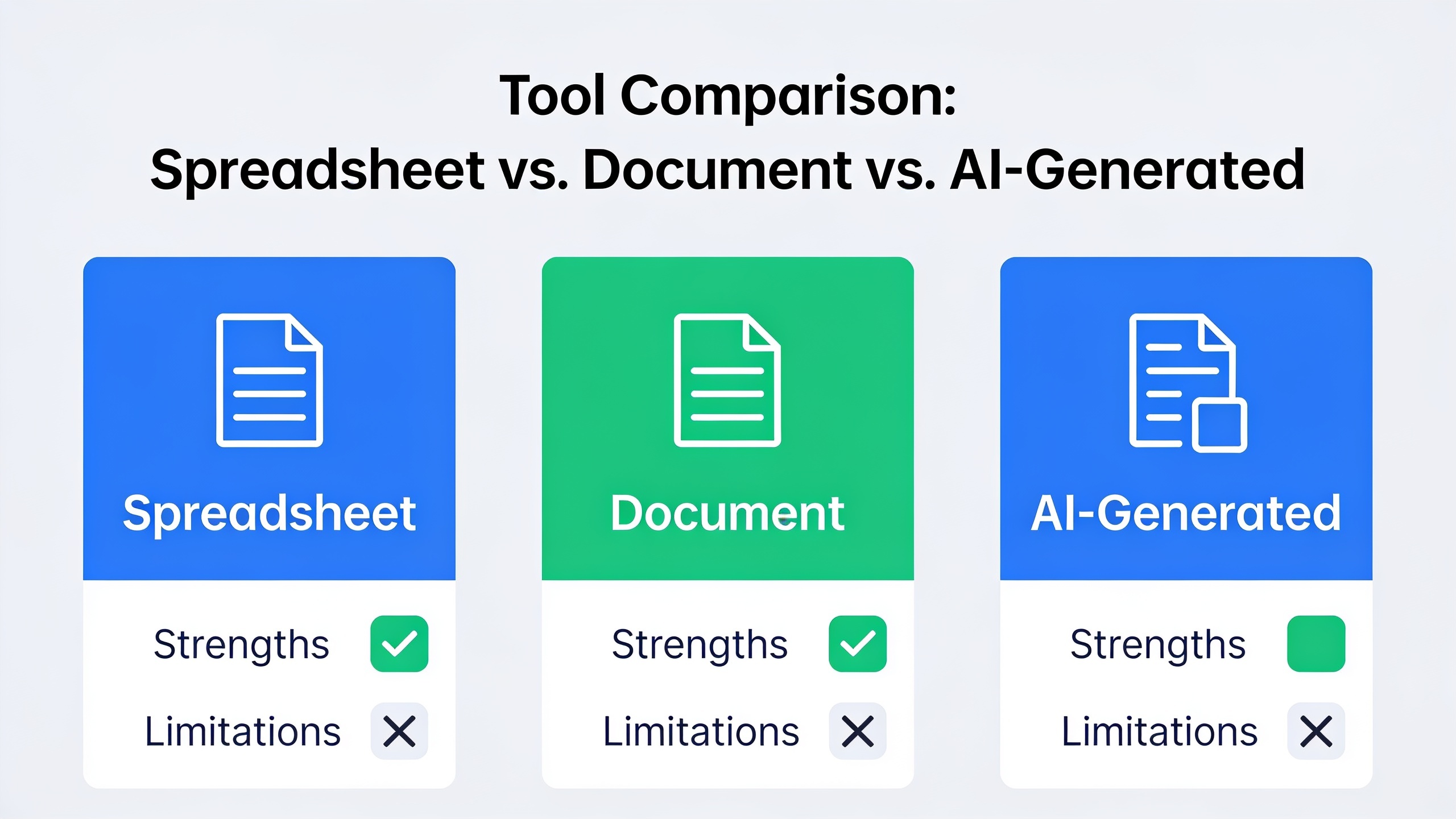
Content Brief Template Comparison: Spreadsheet vs. Document vs. AI-Generated
There's no single "correct" format for a content brief. The right one depends on your team size, how much content you're pushing out, and how much manual research your people can realistically keep up with. Here's how the three most common approaches stack up.
| Format | Best For | Strengths | Limitations |
|---|---|---|---|
| Spreadsheet (Google Sheets/Excel) | Small teams tracking multiple briefs at once | Easy to filter, sort, and track status across many articles | Weak for detailed outlines; formatting gets cramped |
| Document (Google Docs/Notion) | Teams that need rich formatting and collaborative editing | Supports detailed outlines, comments, and inline feedback | Manual research still required for each brief; time-intensive at scale |
| AI-generated brief (e.g., as part of an automated workflow) | Teams publishing frequently who want to reduce research time | Competitor and keyword data pulled automatically; consistent structure every time | Still benefits from human review before finalizing tone and CTAs |
These aren't mutually exclusive, by the way. Plenty of teams start with a doc template, move tracking into a spreadsheet as volume climbs, and eventually go looking for automated research tools to strip out the most tedious parts, like pulling SERP data and competitor word counts by hand for the hundredth time.
How to Build Your Own Content Brief Template
Building a content brief template starts with picking one consistent structure (ideally the 15 elements above) and testing it on a handful of articles before you unleash it on your whole content calendar. You're not chasing perfection on the first try. You're after consistency that gets a little better every iteration.
Start by drafting a master template in whatever tool your team already lives in, Notion, Google Docs, a project management platform, whatever. Fill in every single field for one real upcoming article, even the ones that feel redundant. Then hand it to the writer and just ask them straight: "What's missing? What confused you?" Honestly, that feedback loop is worth more than any amount of time spent trying to design the "perfect" brief alone in a room.
Once the structure's solid, your next problem is speed. Manually researching SERPs, pulling competitor word counts, and digging up semantic keywords for every brief is one of the biggest time sinks in content ops. And it's exactly the kind of repetitive grunt work that begs to be automated. If you're publishing more than a few articles a month, take a look at how to set up an automated SEO content workflow in 30 minutes, which covers how the research-to-brief stage can be streamlined so writers get complete, consistent briefs without someone assembling each one by hand.
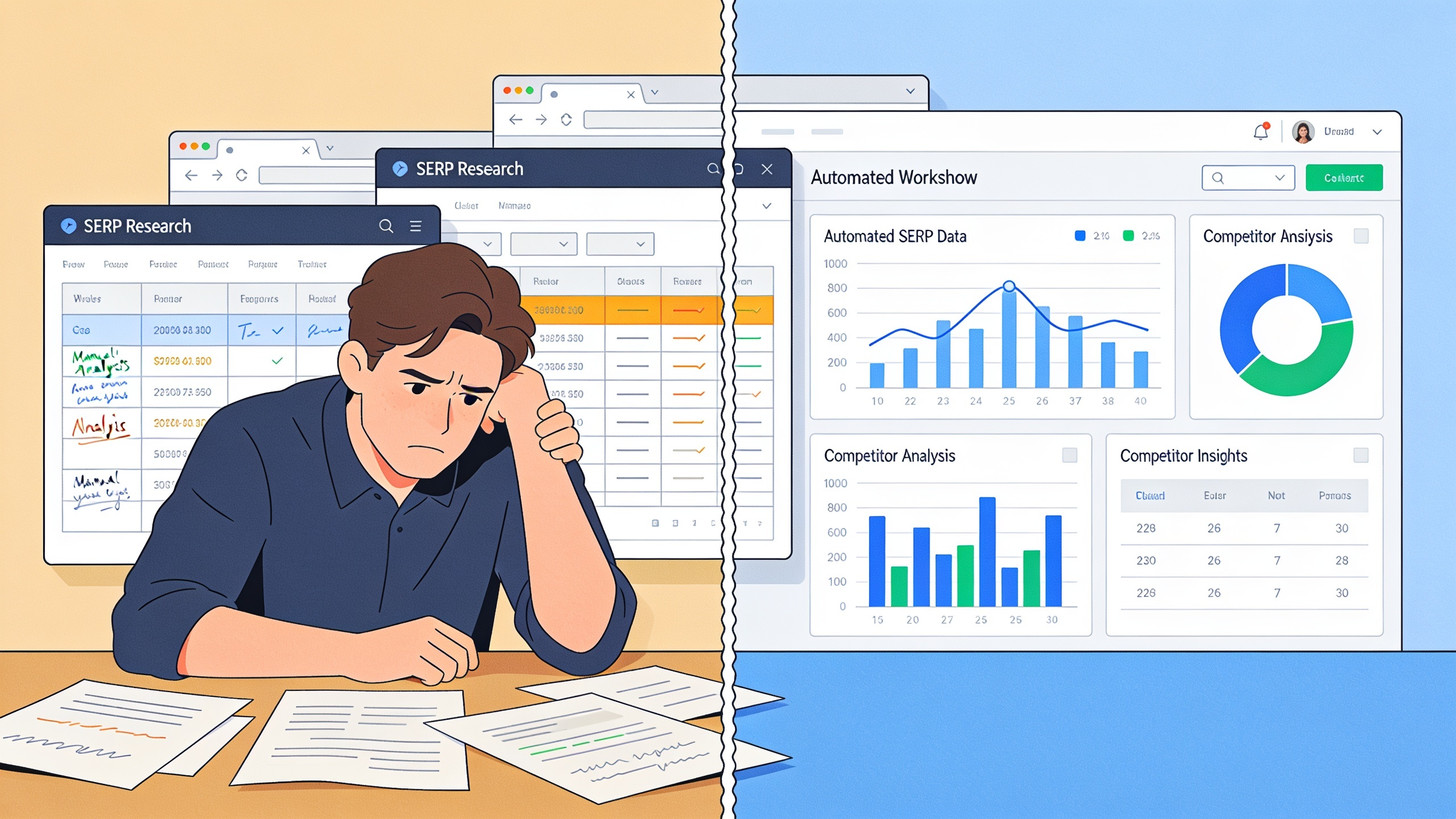
If you want to push it further and let automation handle most of the brief-to-draft process, platforms like RobinRank take a different tack. Instead of spitting out a brief for a human to then write from, the workflow analyzes your niche, competitors, and topics as its planning step, then writes and publishes an SEO-optimized article directly. Title, meta description, heading structure, internal and external links, schema markup, all generated in a single pass, and the draft stays fully editable before it goes live. So the "brief" and the "draft" basically happen in the same automated step rather than two separate manual ones. Worth a look if the brief-writing itself, and not just the research, is what's clogging up your team.
Whichever route you pick (fully manual template, semi-automated research, or end-to-end automated drafting), the underlying idea doesn't change: writers do their best work when the strategic thinking happens before the writing, not during it.
Common Content Brief Mistakes That Sabotage Writers
The most damaging content brief mistakes come down to vagueness, missing intent guidance, and skipping competitor research, all of which force writers to guess and editors to rewrite. And even a great template falls apart if these creep back in.
The classic one is treating the keyword field as the entire brief. You hand a writer "content brief template" and nothing else, and now they're figuring out search intent, audience, and structure on their own. That's work that should've been done upstream. Another is slapping down a word count with no reasoning behind it, which gives you either padded, repetitive filler or an article that's way too thin to compete with what's already ranking.
Skipping the competitor snapshot is especially expensive, because it means the brief got written in a vacuum. Writers just end up echoing what's already on page one instead of spotting the gap that would help a new article actually stand out. Same story with internal linking. Leave it out and you're bleeding chances to build topical authority, and that compounds ugly over dozens of articles when nobody's keeping track.
And then there's the CTA problem. So many briefs never name a conversion goal, as if ranking were the only thing that mattered. But traffic with no next step for the reader is just a missed opportunity, especially if you're a business counting on organic content to bring in leads or signups.
Frequently Asked Questions
So what's the actual difference between a content brief and a content outline?
A content brief is the full strategic document: keyword, intent, audience, competitor research, formatting requirements, the works. A content outline is just one piece of that, the heading structure the writer follows. An outline can exist on its own, but a complete brief always has an outline tucked inside it.
How long should an SEO content brief be?
There's no hard rule, but the good ones usually run one to two pages, covering the 15 elements above without rambling. If yours is stretching past that, it usually means you're dumping raw research notes in without distilling them into clear instructions.
Who should actually write the brief, the SEO strategist or the writer?
Ideally whoever has the keyword tools and SERP data, since that takes technical know-how the writer might not have. On smaller teams one person often wears both hats, but I'd still keep research and writing as separate steps rather than smashing them into one pass.
Can I reuse the same content brief template across a bunch of articles?
Absolutely. The structure (those 15 categories) stays consistent from brief to brief, while the actual content in each section changes per article. Reusing the same format is exactly what lets teams scale up production without letting quality slip.
Do I really need a brief for every single article, even short blog posts?
For shorter, lower-stakes posts you can get away with a stripped-down version covering the primary keyword, intent, and a rough outline. But skipping briefs entirely, even on short stuff, tends to produce articles that don't target any clear query, which caps their ranking potential no matter how long they are.
---
A content brief template isn't extra paperwork wedged between a writer and their deadline. It's the thing that makes sure all that writing time actually produces something that ranks, converts, and fits into a bigger strategy. Build your own from the 15 elements above, adapt one from a spreadsheet, or lean into an automated workflow that handles research and drafting together. Either way the goal doesn't budge: give writers everything they need before they open a blank document, not after they've already wasted an afternoon in it.
Ready to stop writing content by hand? Start your free RobinRank trial and get a full month of SEO-optimized articles published on autopilot.