How to Optimize YouTube Videos So They Show Up in Search
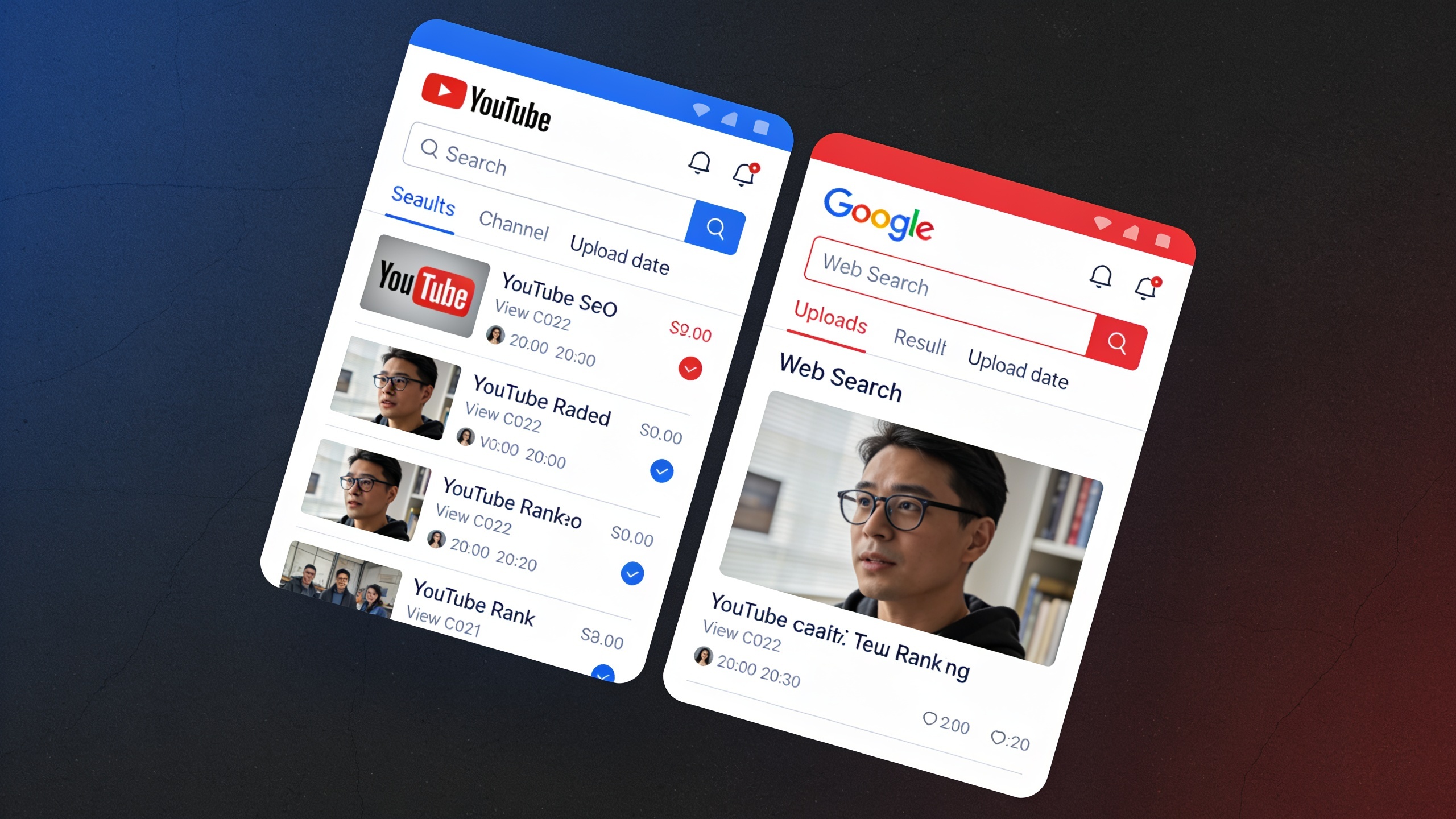
YouTube SEO is really just the practice of optimizing your video's title, description, tags, transcript, and metadata so that both YouTube's own search engine and Google's web search can actually understand what your video is about, index it, and rank it. And because YouTube belongs to Google (and video results pop up in regular Google search all the time), doing this well means your video gets two shots at being found instead of one. That's a bigger deal than most people give it credit for.
This guide walks you through the actual nuts and bolts of writing titles, descriptions, and transcripts that help videos rank, plus where all of this fits into a bigger organic growth picture.
Table of Contents
- What Is YouTube SEO and Why Does It Matter?
- How Does YouTube Actually Rank Videos in Search?
- Writing Titles That Rank
- Writing Descriptions That Work for Humans and Algorithms
- Using Tags, Categories, and Thumbnails Correctly
- Why Transcripts and Captions Matter for Video SEO Optimization
- How Do You Get YouTube Videos to Show Up in Google Search?
- Measuring and Improving Performance Over Time
- FAQ
What Is YouTube SEO and Why Does It Matter?
YouTube SEO is the process of optimizing every text and metadata element attached to a video (title, description, tags, thumbnail, captions, transcript) so the algorithm and search engines can accurately match it to whatever people are typing into the search bar. And it matters because YouTube is the second-largest search engine by query volume after Google itself. People go there to search for answers, the exact same way they'd search on Google.
Now here's what trips people up. Unlike a blog post, a video doesn't come with visible body text that crawlers can just read. YouTube's systems lean hard on the metadata you hand them, plus viewer behavior signals like watch time, click-through rate, and how long people stick around on the platform after watching. That combination is what tells YouTube what your video is about and who should see it. Which is exactly why the words you pick for your title and description carry more SEO weight on YouTube than on pretty much any other format out there. If you're already pouring effort into written content, treat your video metadata with that same discipline you'd bring to a blog post's title tag and meta description. It's one of the fastest wins you'll find.
And if your team already runs an editorial workflow across blog and social, don't silo the video stuff off in its own weird corner. Fold video SEO into the same keyword research you're already doing. The same search intent behind a blog topic can usually be spun into a video that hits the same query from a slightly different angle.
How Does YouTube Actually Rank Videos in Search?
YouTube ranks videos mostly on relevance signals from your metadata combined with engagement signals from actual humans, things like watch time, click-through rate, likes, comments, and shares. There's no single public formula (of course there isn't), but YouTube's own Creator Academy and Help Center keep circling back to two buckets of signals: what you tell the algorithm, and what viewers show the algorithm.
On the metadata side, YouTube's search and discovery systems chew through your title, description, tags, and closed captions to build a sense of what your video is actually about. On the behavior side, once your video gets served up in search or recommendations, YouTube is watching. Do people click? Do they watch to the end? Or do they bail after ten seconds and go search for something better? A video with a killer title but garbage retention will get quietly demoted over time, even if it shot out of the gate ranking well.
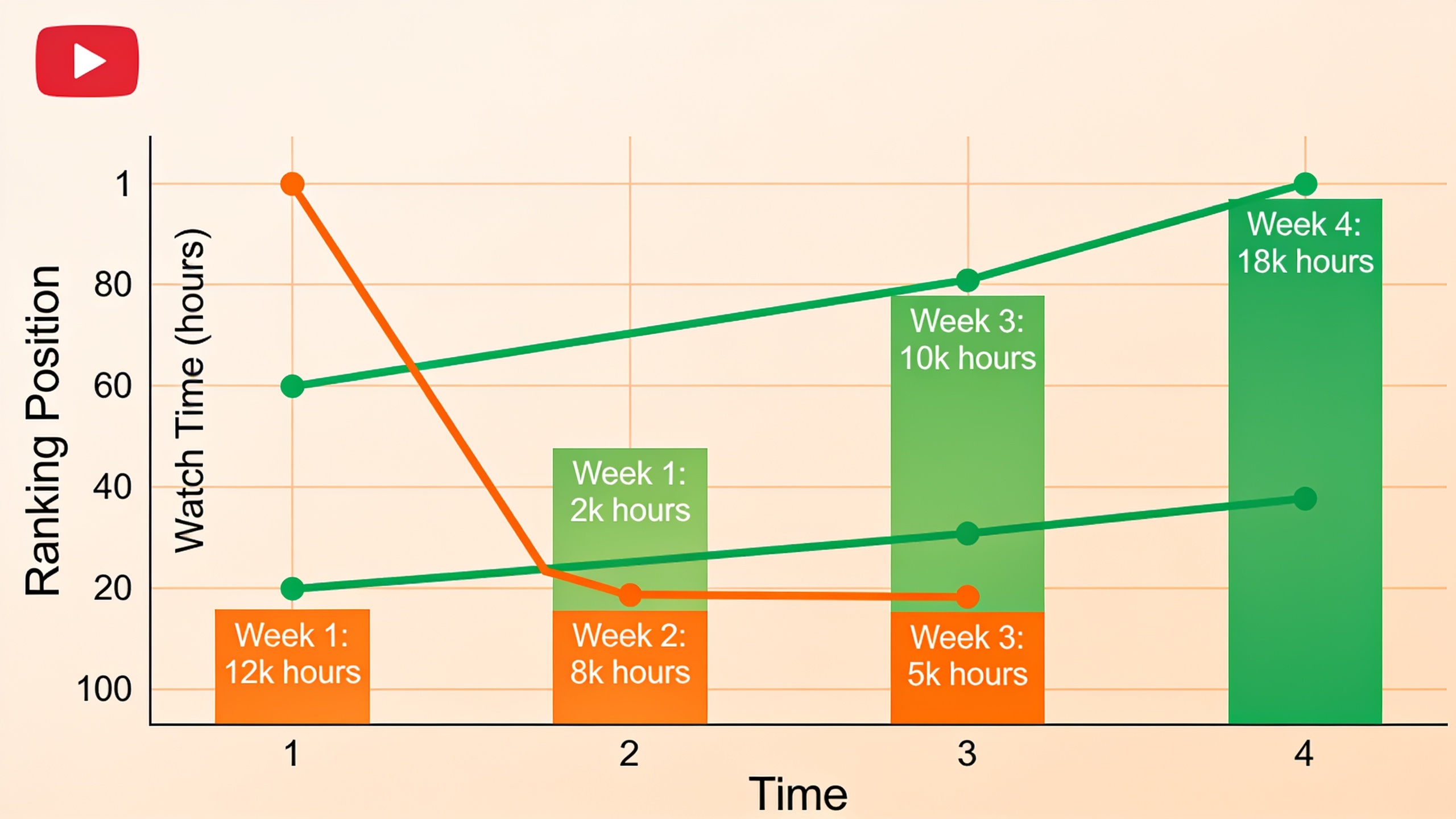
So no, optimization isn't a thing you finish before you hit publish. It's a loop. You optimize metadata to earn the click, then you optimize the content itself (the pacing, the hook, the payoff) to earn the watch time that keeps you ranking. Both halves, all the time.
| Ranking Factor | What It Signals | Where You Control It |
|---|---|---|
| Title relevance | Match between search query and video topic | Title field |
| Description keywords | Additional context and topic depth | Description field (first 1-2 lines matter most) |
| Watch time / retention | Whether viewers actually find the content valuable | Content pacing, hook, structure |
| Click-through rate | Whether the title/thumbnail combo is compelling | Title + thumbnail |
| Captions/transcript | Full-text understanding of spoken content | Auto-generated or uploaded captions |
| Engagement (likes, comments, shares) | Audience satisfaction and virality potential | Calls to action, community management |
| Session time after click | Whether your video keeps viewers on YouTube | Playlists, end screens, related content |
Writing Titles That Rank
A YouTube title should put your primary keyword near the front, spell out the specific outcome or answer the video delivers, and stay under roughly 60 characters so it doesn't get chopped off in search results. The title is the single most important piece of metadata you've got, because it's the first thing both the algorithm and the human being ever see.
Start With the Query, Not the Clickbait
Think about the exact phrase a real person would type. If your video shows people how to fix a slow laptop, something like "Laptop Running Slow? Here's Why (And How to Fix It in 5 Minutes)" mirrors how people actually search way better than a vague, cutesy "You Won't Believe This Laptop Trick." The algorithm rewards titles that match intent, and honestly, so do viewers. They click the thing that clearly promises the answer they came looking for.
Front-Load the Keyword
Get your target keyword into the first few words whenever it reads naturally. Both search engines and YouTube's indexing seem to weigh earlier words a little more heavily, and viewers scanning a results page make up their minds in under a second about whether a title is worth their time. Don't bury the good stuff.
Keep It Honest
A title that overpromises will wreck your retention, and bad retention wrecks your ranking. Simple as that. If your average view duration is way shorter than what the title implies, YouTube reads that gap as a mismatch between promise and delivery. And that's one of the quickest ways to get demoted out of search over time. Don't write a check your video can't cash.
Writing Descriptions That Work for Humans and Algorithms
A good YouTube description restates your main keyword in the first two lines (that's all viewers see before they hit "Show more"), then expands into a natural, readable summary of what the video covers, plus timestamps and relevant links. YouTube openly uses the description as a secondary source of topical context alongside the title.
The First 100–150 Characters Are Prime Real Estate
Only the first couple of lines show up in search results and above the fold on the watch page before someone bothers to expand it. So this is absolutely not the spot for "Welcome back to my channel, guys!" Please, no. Lead with a keyword-rich sentence that tells the algorithm and the viewer exactly what they're about to watch and why it's worth their time.
Structure the Rest for Skimmability
After that opening hook, a solid description usually rolls out a short paragraph (two to four sentences) expanding on the topic with related keywords used naturally, followed by timestamps for longer videos (which double as YouTube chapter markers, nice bonus), then links to related resources, playlists, or your site, and finally a quick call to action asking people to subscribe, comment, or head somewhere specific.
One thing to avoid: keyword stuffing. Repeating the same phrase five times in a row reads like spam to both viewers and YouTube's quality systems, and there's no evidence it does anything for ranking beyond just using the phrase naturally once. So don't.
Treat Descriptions Like Meta Descriptions
If you already write meta descriptions for your blog, this maps over perfectly. You're writing a tight, benefit-driven summary meant to earn a click from someone skimming a results page. Not an essay. The same stuff that makes a strong meta description (clarity, specificity, a genuine reason to click) makes a strong YouTube description.
Using Tags, Categories, and Thumbnails Correctly
Tags, category selection, and thumbnails all back up your title and description by adding context and nudging up your click-through rate, but here's the part creators get wrong: YouTube itself has said tags play a much smaller ranking role than most people assume. The main exception is catching misspellings of your keyword, where tags still earn their keep. Thumbnails, though? Those directly drive click-through rate, which is a real ranking signal.
Tags: Useful, But Not a Silver Bullet
Throw in a handful of tags with your primary keyword, some close variations, and a couple broader category terms. Then stop. Don't burn an hour trying to reverse-engineer the "perfect" tag list. The title, description, and captions are carrying way more of the topical weight, and your time's better spent there.
Want content like this running on autopilot for your own site? Try RobinRank free — AI-written, SEO-optimized articles generated and published automatically, no credit card required.
Pick the Right Category
Slotting your video into the correct YouTube category (Education, Howto & Style, Science & Technology, whatever fits) helps YouTube cluster it with similar content for recommendations. That indirectly helps people find you beyond straight-up search. Takes two seconds. Just do it.
Thumbnails Drive the Click
A thumbnail with clear, high-contrast visuals and minimal, legible text (readable at a tiny size on a phone) will beat a cluttered or low-res one basically every time. And since click-through rate feeds directly into how YouTube judges your search performance, your thumbnail-and-title combo deserves just as much attention as the words themselves. Maybe more.
Why Transcripts and Captions Matter for Video SEO Optimization
Transcripts and captions hand YouTube a full, word-for-word text version of everything you said, which massively expands what the algorithm can understand about your video beyond just the title and description. This is one of the most slept-on levers in all of video SEO, and it's what lets your spoken content get indexed for long-tail queries you never even thought to put in your metadata.
Auto-Generated vs. Uploaded Captions
YouTube auto-generates captions using speech recognition, but let's be real, auto-captions get things wrong constantly. Mispronounced brand names, technical terms, homophones, they all get mangled. Which means the algorithm might be reading a garbled version of what you actually said. Uploading a corrected transcript or a clean SRT file makes sure the text YouTube indexes matches what came out of your mouth.
How to Turn a Transcript Into an SEO Asset
Once you've got an accurate transcript, it becomes surprisingly useful. You can pull direct quotes from it for your description, spot keyword phrases you said naturally on camera that you never thought to target in your title, and repurpose the whole thing into a blog post that embeds the video (effectively doubling your chances of ranking for the same query on both YouTube and Google). You can also use it to write tighter chapter timestamps.
That blog-post point matters more than most creators realize. A transcript-based post targeting the same query as your video gives you two separate assets fighting for the same search real estate. If you're building this kind of cross-format strategy at any real scale, it's the same underlying idea behind International SEO: How to Actually Show Up in Search Around the World, which is all about matching content format and language to where and how your specific audience actually searches, instead of assuming one asset magically covers every intent.
Captions Improve Accessibility and Watch Time
Captions also help retention, which people forget. Tons of viewers watch with the sound off, especially on mobile in public, and a video with no captions just loses that whole chunk of potential watch time. Since watch time is a direct ranking signal, accurate captions quietly serve accessibility and SEO at the same time. Win-win.
How Do You Get YouTube Videos to Show Up in Google Search?
Your YouTube videos show up in Google's regular web results when Google's crawlers decide the video is genuinely relevant to a query and index the video page along with your metadata, transcript, and any structured data that's there. Google owns YouTube, so video results frequently appear as their own carousel or as a standalone result on a normal search page, especially for how-to, tutorial, and review queries.
Optimize the Video Page Like a Web Page
Google indexes your YouTube watch page's title, description, and (more and more) the transcript text pretty much the way it indexes any webpage. So the same on-page SEO instincts you use for written content apply here too: clear topical focus, keyword relevance, and an actual satisfying answer to whatever the searcher is really asking.
Embed the Video on Your Own Site
Embed your YouTube video inside a related blog post on your own site, wrap it with a written summary and a transcript excerpt, and now you've handed Google two connected assets to associate with the same query: your page and the video. It's a natural extension of any content strategy you've already built for organic growth, kind of in the same spirit as Local SEO for Small Businesses: A Beginner's Roadmap, which walks through stacking multiple complementary signals instead of betting everything on a single tactic.
Use Structured Video Content Where Possible
Giving Google accurate chapters, a clear title, and a transcript hands its systems more surface area to match your video against long-tail and voice search queries. And that specific, conversational phrasing is driving more and more search traffic every year, so it's worth the effort.
Measuring and Improving Performance Over Time
YouTube SEO isn't a set-it-and-forget-it thing. Watching your click-through rate, average view duration, and traffic source data inside YouTube Studio tells you whether your choices are actually working, and each metric points you toward a different fix. Treating those numbers as an ongoing feedback loop, not a report you glance at once and forget, is basically what separates channels that keep growing from ones that stall out after a handful of uploads.
Check Traffic Sources First
YouTube Studio's Traffic Source report shows how much of your traffic is coming from YouTube search versus browse, suggested videos, or external sources. If search traffic is weak, your metadata probably needs work. If browse and suggested traffic is weak, your thumbnail-and-title combo likely isn't earning clicks from people who are already into similar content. Start here before you touch anything else.
Diagnose Click-Through Rate vs. Retention Separately
These two fail for completely different reasons, and mixing them up sends you chasing the wrong fix. A low click-through rate usually means a weak title or thumbnail, so your metadata isn't earning the click even when it's shown to the right people. A low average view duration usually means a content or pacing problem, so people are clicking but not sticking around, which tells you the video isn't delivering on its title's promise fast enough. Different problem, different solution.
Revisit Older Videos, Not Just New Ones
Here's something people overlook: updating the title, description, and thumbnail on an already-indexed video can sometimes revive its search performance faster than publishing something brand new. This is especially true for evergreen topics where the search demand hasn't budged but your original metadata was just weak. Go dig through your old stuff. There's gold in there.
The thing worth holding onto is that YouTube SEO rewards the exact same fundamentals as written SEO. Match the query, deliver on the promise, and give the algorithm enough accurate text to understand what you made. Your title, description, and transcript are your three biggest levers, in roughly that order, and none of them work in a vacuum once someone actually clicks and starts watching.
FAQ
How long before a YouTube video actually ranks in search?
There's no fixed timeline, and YouTube hasn't published a specific window. In practice, videos targeting competitive or evergreen keywords tend to build search visibility slowly over weeks as watch-time and engagement data piles up. Videos on very specific, low-competition queries can show up within days of publishing, as long as the metadata clearly matches the query. So, it depends. Frustrating answer, but it's the honest one.
Do YouTube tags actually help SEO, or is that a myth?
Tags play a supporting role, mostly helping YouTube catch misspellings or close variations of your main keyword. They carry way less weight than the title, description, and captions. Burning time on some elaborate tag list generally isn't worth it compared to sharpening your title and making sure your transcript is accurate.
Should I bother adding captions if YouTube already auto-generates them?
Yes. Uploading a corrected transcript or caption file is worth the extra step, because auto-captions routinely butcher names, technical terms, and jargon, which means YouTube might be indexing garbage text for your video. A corrected transcript makes sure the algorithm reads exactly what you said. Small effort, real payoff.
Can a YouTube video actually outrank a blog post on Google?
Depends on intent. For queries where people clearly want to watch something (tutorials, reviews, demos), Google often surfaces video results prominently, sometimes above traditional blog listings. For queries where people want detailed written comparisons or data, blog content usually wins. The smartest move is often pairing both formats around the same target query rather than picking one and hoping.
What's the single biggest YouTube SEO mistake creators make?
Writing a vague, generic title and description and then assuming tags or hashtags will somehow bail them out. They won't. The title is the primary relevance signal for both YouTube's algorithm and Google's indexing, so a mismatch between what your title promises and what a searcher actually wants quietly undermines every other bit of optimization on the video.
Getting a video to show up in search isn't about outsmarting an algorithm. It's about handing YouTube and Google enough accurate, well-organized text to confidently match your content to the people already looking for it, and then actually delivering once they click.
Ready to stop writing content by hand? Start your free RobinRank trial and get a full month of SEO-optimized articles published on autopilot.