Local SEO for Small Businesses: A Beginner's Roadmap
And honestly? It might be the best marketing return you can get as an independent business. You're not shouting at strangers hoping something sticks. You're showing up in front of people who already want to buy, visit, or call. That's the whole game.
I'm going to walk through this in the order I'd actually tackle it if I were starting from scratch. Claim and fix your Google Business Profile first, get your citations consistent, get serious about reviews, then handle the on-site stuff that props all of it up. Doesn't matter if you've got one storefront or you're juggling local marketing for a bunch of client accounts. This is where you start, minus the jargon soup.
Table of Contents
- What Is Local SEO and Why Does It Matter for Small Businesses?
- How Do You Optimize a Google Business Profile?
- What Are Local Citations and Why Do They Matter?
- How Should Small Businesses Handle Online Reviews?
- On-Site Local SEO Fundamentals
- Common Local SEO Mistakes Small Businesses Make
- Tools and Resources for Local Search Optimization
- Frequently Asked Questions
What Is Local SEO and Why Does It Matter for Small Businesses?
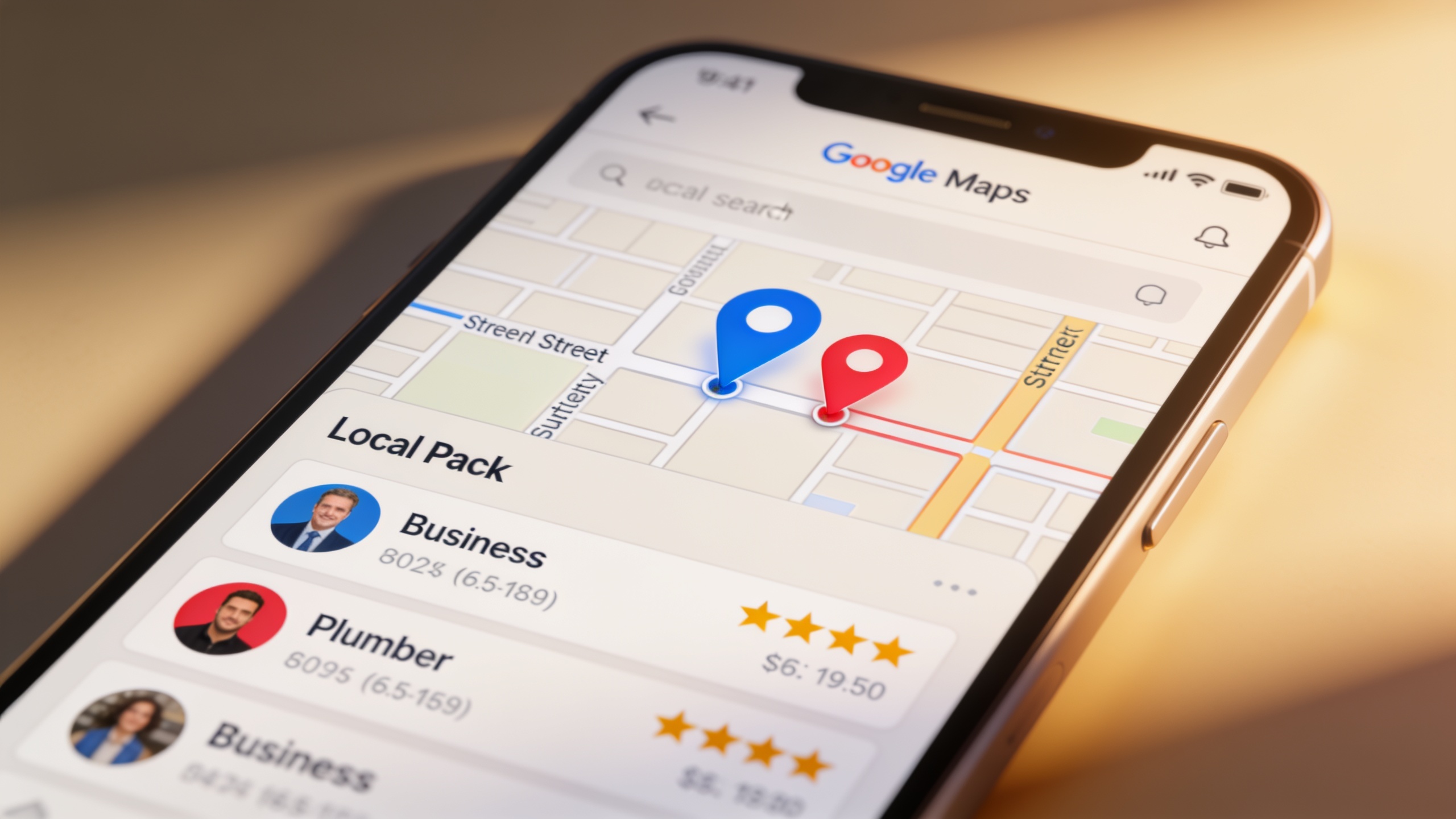
Local SEO is how you get your business to show up in searches tied to a place: the Google Local Pack (that map plus three-listing block that appears when you search something like "plumber in Austin"), Google Maps, and regular search results where someone's clearly looking for something nearby. It matters because most small businesses live and die by customers within a few miles, and local search is usually the very first place someone lands before they decide to walk in, call, or order. Sometimes it's the only place.
The thing that makes local search different from big national SEO is what Google actually rewards. It's not raw domain authority. It's how close you are to the person searching, how complete and accurate your listing is, whether your business info matches everywhere it appears online, and how many good, recent reviews you've got. Which is genuinely great news if you're the neighborhood bakery going up against a chain with a marketing department bigger than your entire staff. You can win on relevance and trust without outspending anybody.
So no, you don't need a six-figure budget. You need to be consistent, keep your info correct, and not let your listings and reviews go stale. That's it. And the single most important piece of the whole puzzle is your Google Business Profile, so let's start there.
How Do You Optimize a Google Business Profile?
You optimize a Google Business Profile by claiming it, filling out every field completely and accurately, picking the right categories, adding photos on a regular basis, and keeping your hours, services, and posts current. The profile (it used to be called Google My Business) is the free listing that controls how you show up in Google Search and Maps: your name, address, phone, hours, category, reviews, all of it.
Claim and Verify Your Listing First
Head to business.google.com and search your business name. There's a decent chance a listing already exists because Google sometimes creates them automatically. If it's there, claim it. If not, make one. Verification happens by postcard, phone, email, or video depending on your business type and where you are. Don't skip it. If you never verify, you can't edit anything, which means whatever wrong info is sitting there just stays wrong for every customer who finds it.
Fill Out Every Single Field
Google's been pretty clear over the years that they want you to complete every section, because half-empty listings are less useful to searchers and, surprise, less likely to get shown prominently. So actually do it.
Use your real, legal trade name in the name field, not some keyword-jammed version (more on why that'll get you in trouble later). Your address and service area really matter for map ranking. If you're service-area-only with no storefront, hide the street address and just define the zones you cover. For categories, pick the one primary category that nails your core business, then add secondary ones that genuinely apply. Keep your hours accurate including holidays, because nothing torches trust faster than a customer driving over to a "closed" sign that your listing swore was open. Use a local phone number over a national call-center line if you can. And don't ignore the attributes, things like "wheelchair accessible," "outdoor seating," or "free Wi-Fi," which help Google match you to what someone's actually looking for.
Use Photos, Posts, and Q&A Like You Mean It
Listings with fresh photos just feel more trustworthy than sad, empty ones. That's not a mystery. Upload your storefront, the interior, your team, your products, and swap them out with the seasons. Google Business Profile also lets you publish short "posts" about offers, events, or new stuff, which keeps the listing looking alive instead of abandoned. And watch the Q&A section, because here's the annoying part: if you don't answer customer questions, random strangers will. Not always correctly.
Oh, and one more thing. Every change you make here (new number, new hours, category swap) needs to show up everywhere else your business is listed too. That consistency idea? It's the whole point of the next section.
What Are Local Citations and Why Do They Matter?
A local citation is any online mention of your business name, address, and phone number, usually shorthanded to NAP, showing up on directories, review sites, social platforms, and industry listings. They matter because search engines cross-check this info all over the web to confirm your business is real, active, and actually located where it says. Inconsistent citations can quietly drag down your rankings even when your Google Business Profile looks flawless. That's the sneaky part.
They come in two flavors. Structured citations live on proper business directories: Yelp, Bing Places, Apple Maps, Facebook, plus industry-specific ones like Avvo for lawyers or Healthgrades for medical practices. Clean formatting, labeled fields, the works. Unstructured citations are the looser stuff, like a mention in a local news story, a blog post rounding up neighborhood spots, or a community forum thread. Those carry real contextual weight but they're a pain to track and manage.
If you're just starting, here's the order I'd work in:
- Claim and complete the big platforms first: Google Business Profile, Bing Places, Apple Maps (through Apple Business Connect), Facebook, and Yelp.
- Add yourself to directories that fit your industry (a restaurant leans toward OpenTable or TripAdvisor; a contractor wants Houzz or Angi).
- Chase down local directories tied to your city or region, like chamber of commerce listings or local business associations.
- Audit what's already out there every so often to catch old addresses, dead phone numbers, and duplicate listings that confuse everybody.
Duplicates are a huge one, especially if you've moved, rebranded, or gotten auto-listed by some data aggregator you've never heard of. Every duplicate splits the trust signal that a single well-kept listing would send. So hunt them down and merge or kill them.
Citation Consistency at a Glance
| Citation Element | Why Consistency Matters | Common Mistake |
|---|---|---|
| Business name | Mismatched names (e.g., "Joe's Pizza" vs. "Joe's Pizza & Pasta") create ambiguity about which listing is authoritative | Adding keywords to the name field for SEO purposes |
| Address | Search engines use address matching to confirm legitimacy and location relevance | Old address left live after a business relocation |
| Phone number | A single verified number builds trust; multiple numbers across platforms look suspicious | Using a call-tracking number that differs from the listed number |
| Hours of operation | Inconsistent hours frustrate customers and can trigger negative reviews | Forgetting to update holiday hours across all platforms |
| Category/industry tags | Helps match the business to relevant local search queries | Selecting an overly broad or unrelated category |
Once your citations are clean and consistent, the next big trust signal, and probably the one your customers stare at hardest, is your reviews.
How Should Small Businesses Handle Online Reviews?
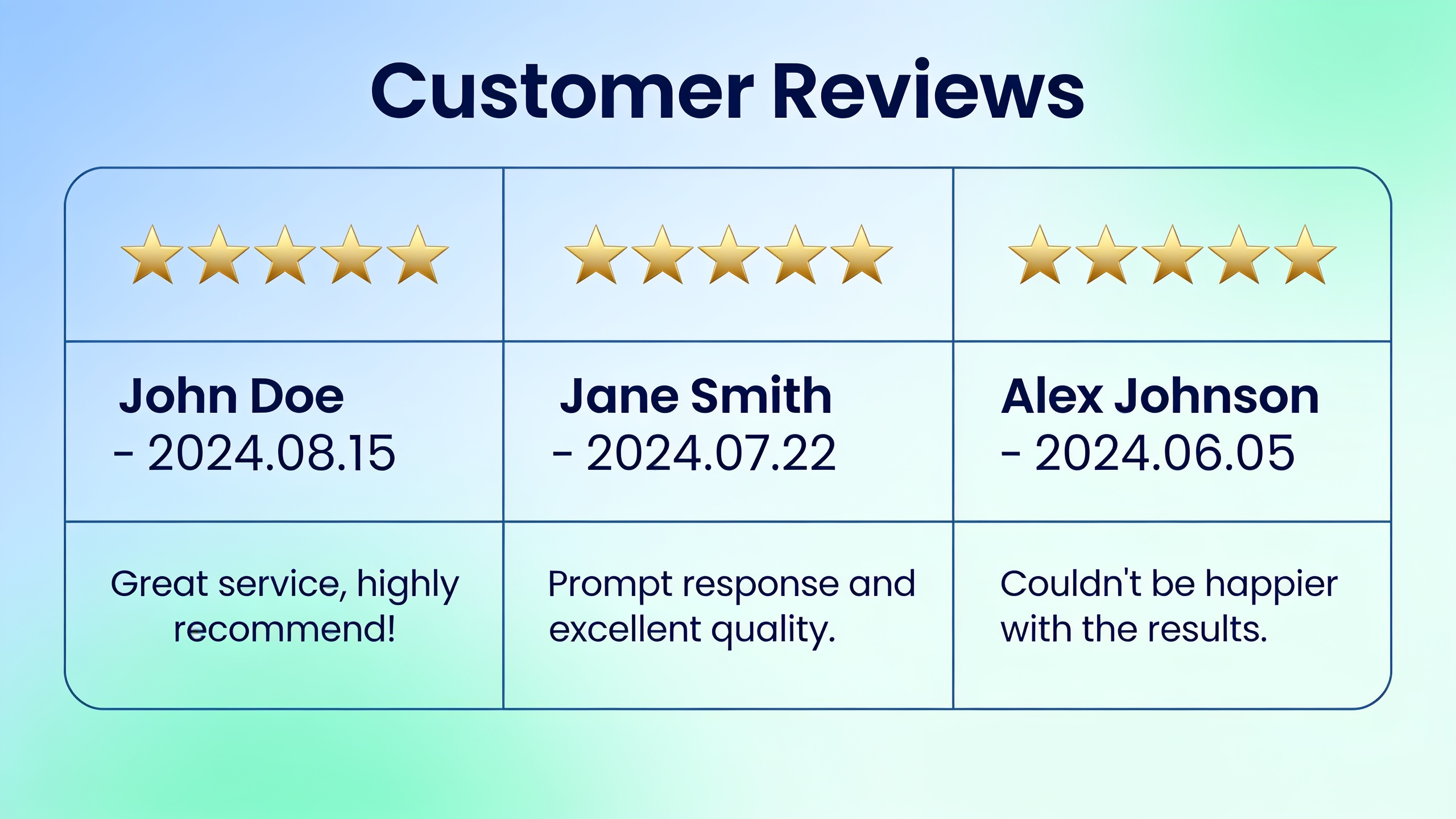
Ask real customers for reviews consistently, reply to every single one (good and bad) quickly and like a professional, and never, ever fake or buy them. Reviews pull double duty: they're a ranking signal for local search and a trust signal for the actual human deciding whether to call you or the place down the street.
Review count, how recent they are, and your average rating all feed into how Google's local algorithm judges your prominence, right alongside relevance and distance. But the human side might matter more. BrightLocal, which has tracked this stuff for years through its annual Local Consumer Review Survey, has consistently found that the large majority of consumers read reviews before picking a local business, and that recent reviews carry more weight than old ones. Which means a business that hasn't pulled in a fresh review in eighteen months can look kind of dead, even with a great historical rating. Stale is stale.
Want content like this running on autopilot for your own site? Try RobinRank free — AI-written, SEO-optimized articles generated and published automatically, no credit card required.
So don't treat review requests as a "when I remember" thing. Bake them into your normal workflow. Ask right when someone's happiest, the moment the service wraps or the order gets picked up, not three weeks later when the glow's worn off. Make it stupidly easy by texting or emailing a direct link to your Google review form instead of making people go search for you. Train your staff to mention it briefly and genuinely, no pressure and definitely no incentives that break platform rules. And space the requests out, because dumping a pile of reviews on the same day looks fishy to Google.
Now the responses. Every review deserves a reply, and how you handle it usually matters more to the next customer than the review itself.
For the good ones, thank the person by name where it fits and reference something specific from their visit instead of a copy-paste "thanks for the review!" For the bad ones, stay calm, acknowledge the actual problem, and move the conversation offline when it makes sense (drop a phone number or email). Don't get defensive, don't get dismissive. Everyone shopping for a business is reading your reply just as closely as the complaint. For fake or clearly rule-breaking reviews, flag them through the platform's official reporting process. Do not start a public fight in the comments. Nobody wins that.
And the stuff that'll get you burned: don't buy reviews, don't hand out discounts tied to leaving a positive one, and don't post reviews for yourself or trash your competitors. That violates the terms of pretty much every major review platform, and when they catch it (they do catch it), you can get suspended and lose months of legitimate review history in one shot. Not worth it.
On-Site Local SEO Fundamentals
Your website still matters here, even though the Google Business Profile hogs the spotlight. On-site local SEO just means setting up your site's content, metadata, and technical bits so search engines and AI answer tools can clearly connect your business to a specific place and a specific set of services.
If you serve more than one city or neighborhood, build a real page for each service area instead of cramming everything onto one generic "About" page. Each one should have your NAP info, actual unique content about what you do in that area, and, if they exist, testimonials or case studies specific to that spot. Please don't copy-paste the same paragraph across ten pages and just swap the city name. Search engines have gotten good at spotting thin, templated location pages, and they treat them like the filler they are.
Schema Markup for Local Businesses
Schema markup is code you add to your site that flat-out tells search engines your name, address, phone, hours, and reviews in a machine-readable format. It won't magically rank you higher, but it kills a lot of ambiguity for search engines and AI tools trying to figure out what you are at a glance. If you don't have a developer on staff, a bunch of SEO platforms now generate this markup automatically when you publish content, so it's less of a headache than it used to be.
Content That Actually Helps Local Folks
Publishing genuinely useful local content (neighborhood guides, seasonal tips tied to your area, answers to the questions your customers actually ask) reinforces your relevance for local searches and gives you stuff to share through your Google Business Profile posts and social channels. Two birds. If you want a deeper framework for content that performs in regular search and in AI answer engines like ChatGPT and Google's AI Overviews, this guide to writing SEO content that ranks in AI search engines digs into the structural and sourcing habits that make content easier for humans and algorithms to trust.
Don't Forget Mobile
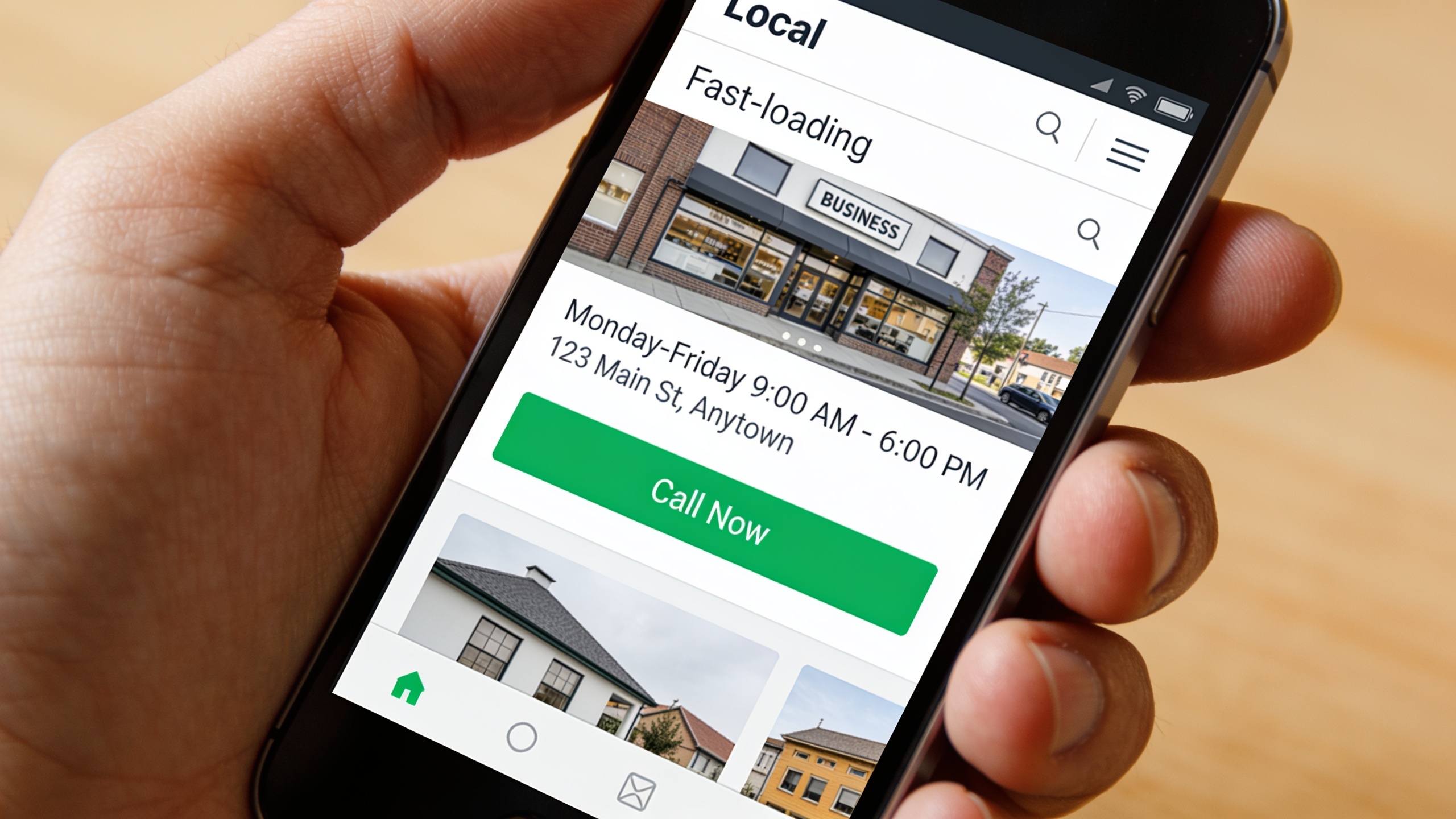
A big chunk of local searches happen on phones, usually while someone's already out and hunting for the nearest option. So a slow site or a phone number you can't tap to call will lose you the customer before they even finish reading. Prioritize a mobile-friendly layout, a visible click-to-call button, and fast load times over anything cosmetic. Nobody's admiring your fancy animations. They want to call you.
Common Local SEO Mistakes Small Businesses Make
Most local SEO failures come from neglect, not bad strategy. People claim a listing once and never look at it again, or they let bad info pile up over years of moves, rebrands, and staff coming and going. Catch these patterns early and you save yourself months of lost visibility.
The biggest one is treating your Google Business Profile like a "set it and forget it" thing. It's not. Seasonal hours, new services, temporary closures, updated photos, all of that needs regular attention. A profile untouched for a year screams "inactive" to customers and algorithms alike.
Then there's ignoring negative reviews. Silence reads as indifference to the next person shopping around, even if you fixed the actual problem privately weeks ago. A thoughtful public reply can do more damage control than the review ever did damage.
Inconsistent business info across platforms is another (yeah, same thing I hammered in the citations section). It's honestly one of the most common problems and also one of the most fixable, usually a single afternoon of directory auditing.
And whatever you do, don't stuff keywords into your business name. Slapping "Best Cheap Plumber Austin TX" into your official name field breaks Google's guidelines and can get you suspended. Your name field should match your actual signage. Full stop.
The last mistake is the sneakiest: thinking local SEO is a one-time setup. It's not a project, it's a habit. Citations drift out of date, competitors keep racking up reviews, and Google keeps tweaking how it weighs local ranking factors. Businesses that check in on their local presence every quarter tend to run circles around the ones who set it up and wandered off.
Tools and Resources for Local Search Optimization
You don't need an enterprise budget to pull off a solid local SEO strategy, but the right tools genuinely save time on citation audits, review monitoring, and content. Google Business Profile is free and should be the bedrock of everything, and you can layer directory management tools, review dashboards, and content platforms on top as you grow.
If you're trying to figure out which paid tools are actually worth it once you scale past doing everything by hand, this roundup of the best AI SEO tools for small business owners in 2025 breaks down options for automating content, technical audits, and visibility tracking. Good reading once you've nailed the fundamentals in this roadmap.
Here's what usually happens as your local SEO matures: the time drain shifts from managing listings to producing content. Writing location pages, blog posts, and FAQ content that keeps your site relevant to search engines and the AI assistants people increasingly use to answer "best business near me" questions. That's a lot of ongoing writing. Platforms built specifically for automated SEO content publishing, like RobinRank, exist to shoulder that load, and they pair with the manual citation and review work above rather than replacing it. You still have to do the human stuff.
Frequently Asked Questions
How long before I actually see results from local SEO?
Most small businesses start seeing measurable movement in local visibility within a few weeks to a few months of consistent work, though it really depends on how competitive your category and city are and how neglected your listings were to begin with. A brand-new profile with zero reviews in a packed market like a major metro downtown is going to take way longer than an established business just cleaning up outdated info in a smaller town.
Is Google Business Profile really free?
Yep. Free to claim, verify, and manage. Google doesn't charge you to appear in local results or the Local Pack. The paid advertising options are separate, optional, and layered on top of the free organic listing. You don't have to touch them.
How many reviews do I need to rank well locally?
There's no magic number. Businesses with more recent reviews and higher average ratings than their nearby competitors tend to do better in the Local Pack. Consistency beats a big one-time pile every time. A steady trickle of new reviews is worth more than a batch you collected once and never repeated.
Can I handle citations myself or do I need a service?
If you've got a handful of locations, you can absolutely manage citations yourself with a spreadsheet tracking where you're listed, audited quarterly. Businesses with lots of locations, frequent changes, or no spare time might want citation management software that pushes updates across a bunch of directories at once. Depends how much of your life you want to spend on this.
What's the difference between local SEO and general SEO?
General SEO is about ranking for broad topical relevance regardless of where anyone is. Local SEO specifically targets geographically bound intent, leaning on signals like proximity, Google Business Profile completeness, citations, and reviews. If your business has a physical location or a defined service area, treat local search as a priority layer on top of your general on-site SEO, not a replacement for it.
Local SEO rewards patience and consistency more than any one clever trick. Start with a fully completed Google Business Profile, clean up your citations on the directories that actually matter in your industry, and build a steady habit of asking for and replying to reviews. Get those three solid and the rest of it (location pages, schema, ongoing content) turns into simple maintenance instead of some mystery you keep putting off.
Ready to stop writing content by hand? Start your free RobinRank trial and get a full month of SEO-optimized articles published on autopilot.