Local SEO Playbook: A Step-by-Step Guide for Small Businesses
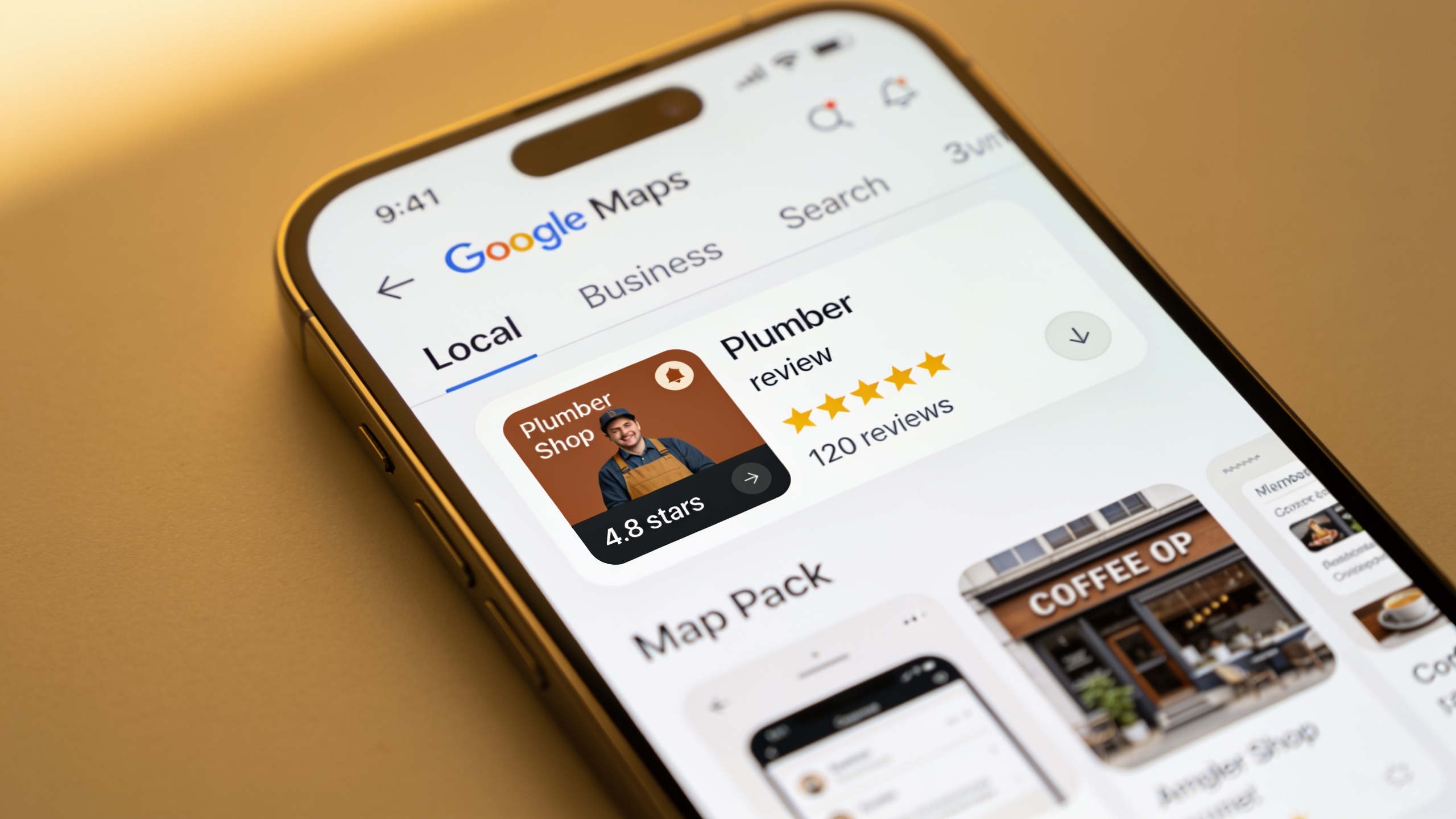
Here's what's different from national SEO. Local comes down to three things, really: a well-optimized Google Business Profile, consistent listings across directories, and a steady drip of good reviews. Nail those three and you're already beating most of the competition in your zip code. Everything below breaks each one into stuff you can actually knock out this week. No agency retainer, no six-month "strategy phase."
Table of Contents
- What Is Local SEO and Why Does It Matter?
- Google Business Profile Optimization: The Foundation of This Local SEO Playbook
- Building Local Citations That Actually Move Rankings
- Review Strategies That Build Trust and Rankings
- On-Page and Technical Local SEO Signals
- How Much Does Local SEO Cost for a Small Business?
- How Long Does It Take to See Local SEO Results?
- Local SEO Tactic Comparison Table
- Frequently Asked Questions
What Is Local SEO and Why Does It Matter?
Local SEO is the bundle of tactics (profile management, citations, reviews, on-site signals, local backlinks) that gets a business ranking in geographically targeted searches, including that three-pack of listings, the "Map Pack," that shows up above the regular organic results for searches like "plumber near me" or "best tacos in Austin." Why it matters: local search is usually the very first moment a nearby customer bumps into your business, and it converts way better than generic organic traffic because the person searching already wants something local, often right now.
Google's local algorithm leans on three documented factors, and it's worth actually understanding them. Relevance (does your business match what they're looking for), distance (how close you are to the searcher or the spot they mentioned), and prominence (how well-known and well-reviewed you are, online and off). The businesses that lose here are almost always the ones who treat local SEO as a one-and-done chore. Fill out a Google Business Profile once, forget it exists, wonder why the competitor down the street keeps outranking them. That competitor is posting updates, replying to reviews, keeping their listings clean. This playbook is built so each step actually builds prominence and relevance in ways Google can detect. Not busywork.
Google Business Profile Optimization: The Foundation of This Local SEO Playbook
Google Business Profile optimization is the single highest-leverage thing you can do, full stop. Your Business Profile (it used to be called Google My Business) is the main data source Google pulls from to fill the Map Pack, the knowledge panels, and Maps results. And here's the part people underestimate: a complete, active profile can outrank a competitor with a way better website, purely because Google trusts fresh, complete data.
Claim and Verify Your Listing
Go to business.google.com and claim your listing if you haven't. Verification usually comes by postcard, phone, email, or video, depending on your category and country. An unverified listing is basically invisible for anything competitive, so this isn't optional. Do it first, before anything else on this list.
Fill Out Every Field Completely
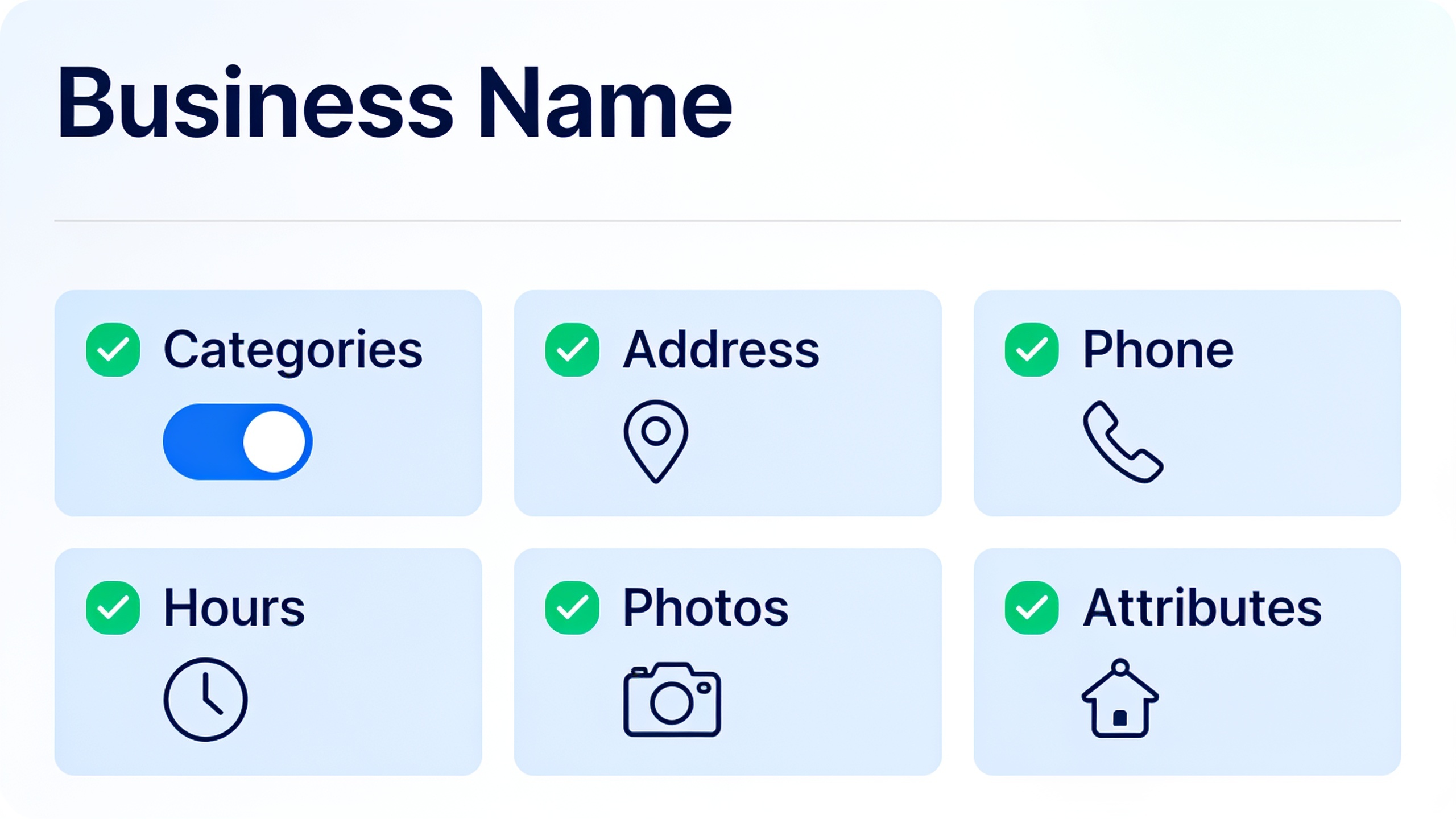
Google rewards completeness, so don't leave gaps. A few things worth getting right:
- Business name exactly as it shows on your storefront or legal signage. No keyword stuffing. Please don't be "Joe's Plumbing Best Emergency Plumber NYC." Google notices, and it looks desperate.
- Categories matter more than you'd think. Pick the most specific primary one available ("Emergency Plumber," not just "Plumber"), then add secondary ones.
- Address, service area, phone number that match your website and citations exactly. More on why that "exactly" matters in a second.
- Hours, including holidays. Nothing annoys a customer like driving over to a "closed" sign, and Google does start distrusting stale data over time.
Beyond that, fill in your attributes (wheelchair accessible, women-owned, appointment-only, whatever applies) because they help you match niche searches. And take the products and services section seriously. That's searchable text Google indexes, so describe what you do using the exact words your customers use, not industry jargon nobody types into a search bar.
Use Photos and Posts as Ranking Signals
Profiles with photos get more clicks and more direction requests. That's straight from Google's own guidance for Business Profile owners, which flat-out recommends regularly adding good photos of your storefront, your team, your products. So do that. And then keep going with Posts (offers, events, updates), because an active profile tells Google the business is real and running. Which feeds right back into that "prominence" factor. Dead profiles look, well, dead.
Answer the Q&A Section Proactively
Anyone can drop a question on your Business Profile. And if you don't answer it, some rando might, possibly with wrong information. So beat them to it. Seed the section yourself with the questions people actually ask (parking, walk-in policy, do you take Amex) and answer them in your own words. Takes ten minutes and saves you a lot of headaches.
Write Compelling Titles and Descriptions for Your Website Too
Your profile doesn't live in a vacuum. Google constantly cross-checks it against your site's title tags and meta descriptions looking for consistency. So if your homepage title says "Home | Company" while your profile says "Emergency Plumber in Denver, CO," you're just leaving relevance on the table for no reason. If you want to write page titles and descriptions that back up your local positioning and actually earn the click, here's a solid breakdown of meta description tips that actually get clicks, plus title tag formulas that work.
Building Local Citations That Actually Move Rankings
A local citation is any online mention of your Name, Address, and Phone number (people abbreviate it NAP) on some third-party site: directories like Yelp, Apple Maps, Bing Places, industry directories, your local chamber of commerce. They matter because consistent NAP data across the web reinforces Google's confidence that your info is accurate. And that confidence feeds directly into prominence and relevance.
Start With the Core Directories
Before you go chasing obscure niche directories, lock down the handful of platforms that actually carry weight for most local businesses. That's Google Business Profile (covered above), Bing Places for Business, Apple Maps Connect (now Apple Business Connect), Yelp, and a Facebook Business Page. Get those five clean and consistent before worrying about anything else.
Fix Inconsistent NAP Data First
This is the part everyone skips, and it's honestly the most important. Before you add a single new citation, audit the ones you've already got. Search your business name plus your city and look at every listing that pops up. An old suite number here, a disconnected phone number there, a former business name floating around somewhere. All of that sends Google conflicting signals that can drag your rankings down even if your Business Profile is spotless. Fixing five outdated citations usually beats adding five brand-new ones. Boring work, big payoff.
Pursue Industry and Local Citations
General directories are fine, but the ones that really pull are niche and geographically relevant. A listing on your local Chamber of Commerce site, a mention on a regional "best of" blog, an industry association directory. Those carry more topical and geographic weight than some generic national directory that lists half the internet. Bonus: a lot of these double as local backlinks, which brings a whole second benefit into the picture.
Citations Overlap With Backlink Building
A citation with a clickable link back to your site is a citation and a backlink at the same time, which is exactly why a lot of small businesses just fold citation building into their broader link strategy. Problem is, doing that manually through cold outreach is a grind. Emailing dozens of directory owners and hoping for replies is nobody's idea of a good time. Some businesses use structured exchange networks instead. RobinRank, for one, runs as a manually reviewed backlink exchange network: you request a placement, offer a reciprocal link back, and RobinRank verifies the live href on both ends. Every site has to clear a minimum Domain Rating of 5 (per Ahrefs) and pass a manual quality review before it's even in the directory. It's free to start, with a 7-day free trial once your site's approved and $19 a month after that, and the whole thing is built specifically to steer clear of the link farms and PBNs that can quietly wreck a local business's link profile.
Review Strategies That Build Trust and Rankings
Reviews are doing double duty: they're a trust signal for humans and a ranking input for Google's local algorithm, and businesses with a steady flow of recent, detailed, positive reviews consistently smoke competitors with thin or stagnant ones. Reviews hit the "prominence" factor directly, and they hit your click-through and conversion rates indirectly. Think about it, when two businesses rank right next to each other, the searcher almost always taps the one with more (and better) reviews. Every time.
Make Asking for Reviews a Repeatable Process

Want content like this running on autopilot for your own site? Try RobinRank free — AI-written, SEO-optimized articles generated and published automatically, no credit card required.
The businesses swimming in reviews aren't the lucky ones. They're the ones who ask, every single time, instead of sitting around hoping customers volunteer. So bake the ask into something you already do. A follow-up text or email after the job's done, a QR code on the receipt, a quick verbal "hey, would you mind leaving a review?" at checkout with a direct link ready to go. The easier you make it (one tap to your review page, not a scavenger hunt) the better your response rate. Friction kills reviews.
Respond to Every Review, Good and Bad
Replying to reviews tells Google and future customers that a real person is minding the store. For the bad ones, a calm, specific, non-defensive reply that owns the issue and offers to sort it out offline often does more to win over a prospective customer than the negative review ever did to scare them off. Weirdly, a well-handled complaint can be more persuasive than a glowing five-star. For the good ones, even a short, specific thank-you reinforces the keywords and services the reviewer mentioned, which quietly helps your topical relevance.
Never Buy or Fake Reviews
Just don't. Google's guidelines flat-out ban fake and incentivized reviews, and profiles that get caught manipulating them risk suspension of the entire Business Profile. That means all your citations, photos, and review history, gone overnight. The math never works out. A short-lived ranking bump is not worth torching everything you've built.
Diversify Beyond Google
Google reviews carry the most direct ranking weight, sure. But reviews on Yelp, Facebook, industry platforms (Healthgrades for medical practices, Avvo for legal), and the Better Business Bureau all feed the overall prominence signal and give customers a few different trust checkpoints before they pull the trigger. People do their homework now. Give them more than one place to feel good about you.
On-Page and Technical Local SEO Signals
Your website still matters here. Google's local algorithm pulls relevance signals straight from your site's content, structure, and technical performance, not just your profile and citations. A slow, messy website can drag your rankings down even when your Business Profile and listings are flawless. So don't neglect it.
Build Location Pages With Real, Specific Content
If you serve multiple neighborhoods, suburbs, or cities, build a real page for each one. And I mean real, not a thin template with the city name swapped out and nothing else. Google sees right through that, and those pages tend to underperform or get filtered out of results entirely. Give each page actual local substance: the specific streets and landmarks you cover, testimonials from customers in that area, photos from jobs you've actually done there. It's more work. It also works.
Embed Local Schema Markup
Structured data (schema.org markup, specifically LocalBusiness schema) tells search engines your name, address, phone, hours, and price range in a format they can read cleanly. It's basically the same NAP consistency thing from the citations section, except this time you're stating it in machine-readable code right on your own site. Set it once, benefit forever.
Don't Neglect Site Speed and Core Web Vitals
Page experience stuff (load speed, layout stability) affects both how people feel about your site and how visible you are in search. And mobile users, who make up the bulk of local searches happening on the move, are brutally impatient with slow pages. If you have no idea where your site stands, this Core Web Vitals checklist for marketers walks through exactly what to measure and fix, no developer background needed.
Optimize Titles and Meta Descriptions for Local Intent
Every location page, service page, and blog post should have location-specific language in the title tag and meta description. Not jammed in awkwardly, but written the way an actual customer would search. This is where those meta description and title tag formulas from earlier come right back into play. A good local title tag lifts your rankings and your click-through from the results page. Two birds.
How Much Does Local SEO Cost for a Small Business?
Local SEO costs range from $0 (a fully DIY approach using free tools like Google Business Profile and manual citation submissions) up to several hundred or a few thousand dollars a month for agency-managed campaigns, depending on how much you hand off. The core platforms, Google Business Profile, Bing Places, Apple Business Connect, are all free to use directly. So for most small businesses the real "cost" is time, not cash, assuming you handle it in-house.
Where money actually starts to enter the picture is usually citation management tools that submit and monitor your NAP across dozens of directories, review software that automates the request-and-monitor grind, and link or citation networks with subscription pricing (RobinRank, for reference, runs a 7-day free trial after your site's approved, then $19 a month). And then there are agency retainers, which vary wildly by market and scope and aren't standardized across the industry at all. My advice: if you go the agency route, demand an itemized scope of work. Never accept a flat monthly number with no detail behind it. That's how you end up paying for "SEO" that turns out to be one blog post and a prayer.
For most single-location small businesses, though? A disciplined DIY run at Google Business Profile optimization, citation cleanup, and a review-request process costs basically nothing but your time, especially in the first 90 days.
How Long Does It Take to See Local SEO Results?
Most small businesses running a consistent local SEO playbook start seeing measurable movement within 4 to 12 weeks, though full Map Pack visibility for competitive keywords in dense markets can take several months longer. Google needs time to crawl your updated citations, index new content, and rack up enough fresh reviews and engagement to shift your prominence score. There's no magic switch for instant ranking jumps, and anyone promising one is lying to you.
Businesses in low-competition niches or smaller towns tend to see faster results than someone fighting it out in a dense urban market packed with equally optimized competitors. The single most reliable accelerant is consistency. Profiles that get updated weekly (new photos, posts, review replies) build prominence noticeably faster than the ones optimized once and abandoned. Slow and steady genuinely wins this one.
Local SEO Tactic Comparison Table
Not every tactic in this playbook gives you the same return for the same effort. Use this to figure out where to spend your first 90 days.
| Tactic | Typical Effort | Typical Impact on Rankings | Best For |
|---|---|---|---|
| Google Business Profile completion | Low (one-time setup) | High | Every business, immediately |
| NAP citation cleanup | Medium (audit-heavy) | High | Businesses with old addresses/rebrands |
| New citation building | Medium (ongoing) | Medium | Newer businesses building initial presence |
| Review request process | Low (once automated) | High | Service businesses with repeat customer contact |
| Location page content | Medium-High | Medium-High | Multi-location or multi-service-area businesses |
| Local schema markup | Low (technical, one-time) | Medium | Any business with a developer-accessible site |
| Core Web Vitals fixes | Medium-High (often needs developer help) | Medium | Sites with slow load times or mobile issues |
| Local link/citation exchange | Medium (ongoing outreach or platform use) | Medium-High | Businesses building domain authority alongside citations |
Frequently Asked Questions
Do I need a physical storefront to rank in local search?
Nope. Service-area businesses (plumbers, electricians, mobile groomers, consultants) can set up a Google Business Profile without showing a public address, using the service-area setting instead. Google still needs to verify a real business location, it's just hidden from public view. So the traveling folks aren't shut out of this at all.
How many Google reviews does a small business need to rank well?
There's no official minimum from Google, and review count is only one of several prominence signals anyway. In practice, businesses sitting in the Map Pack usually have noticeably more reviews than the ones ranking below them in the same search. So the real goal is to consistently out-pace your direct competitors, not chase some arbitrary magic number.
Can I optimize my Google Business Profile myself, or do I need an agency?
Honestly, you can do most of it yourself. Completing fields, adding photos, posting updates, replying to reviews, all of that is designed for a regular business owner or staff member with zero technical background. Agencies earn their keep more on ongoing management, technical site fixes, and citation cleanup at scale, which mostly matters if you've got multiple locations.
What's the difference between local SEO and a local SEO playbook?
Local SEO is the overall discipline of optimizing for geographically targeted search. A playbook is the specific, ordered set of actions (profile setup, citation cleanup, review requests, on-page fixes) you follow to actually do that discipline consistently, instead of treating it as a pile of random one-off tasks you get to whenever.
Do backlinks matter for local SEO, or just citations?
Both, and they overlap a lot. A citation from a local directory or organization that includes a clickable link is functioning as a backlink too, adding to your domain authority on top of the local relevance signal the citation gives you on its own. Two-for-one, basically.
Bringing It All Together
Local SEO rewards consistency way more than any single clever tactic. A business that fully fills out its Google Business Profile, keeps its citations accurate across the web, and builds an honest, steady flow of reviews will beat a competitor with a flashier website and a neglected local presence pretty much every time. So treat this as a recurring quarterly checklist, not a one-time project. Circle back through each section (profile, citations, reviews, on-site signals) as you grow into new locations and service areas. The businesses that keep showing up are the ones that keep, well, showing up.
Ready to stop writing content by hand? Start your free RobinRank trial and get a full month of SEO-optimized articles published on autopilot.