Podcast SEO: How to Get Your Audio and Video Found on Google
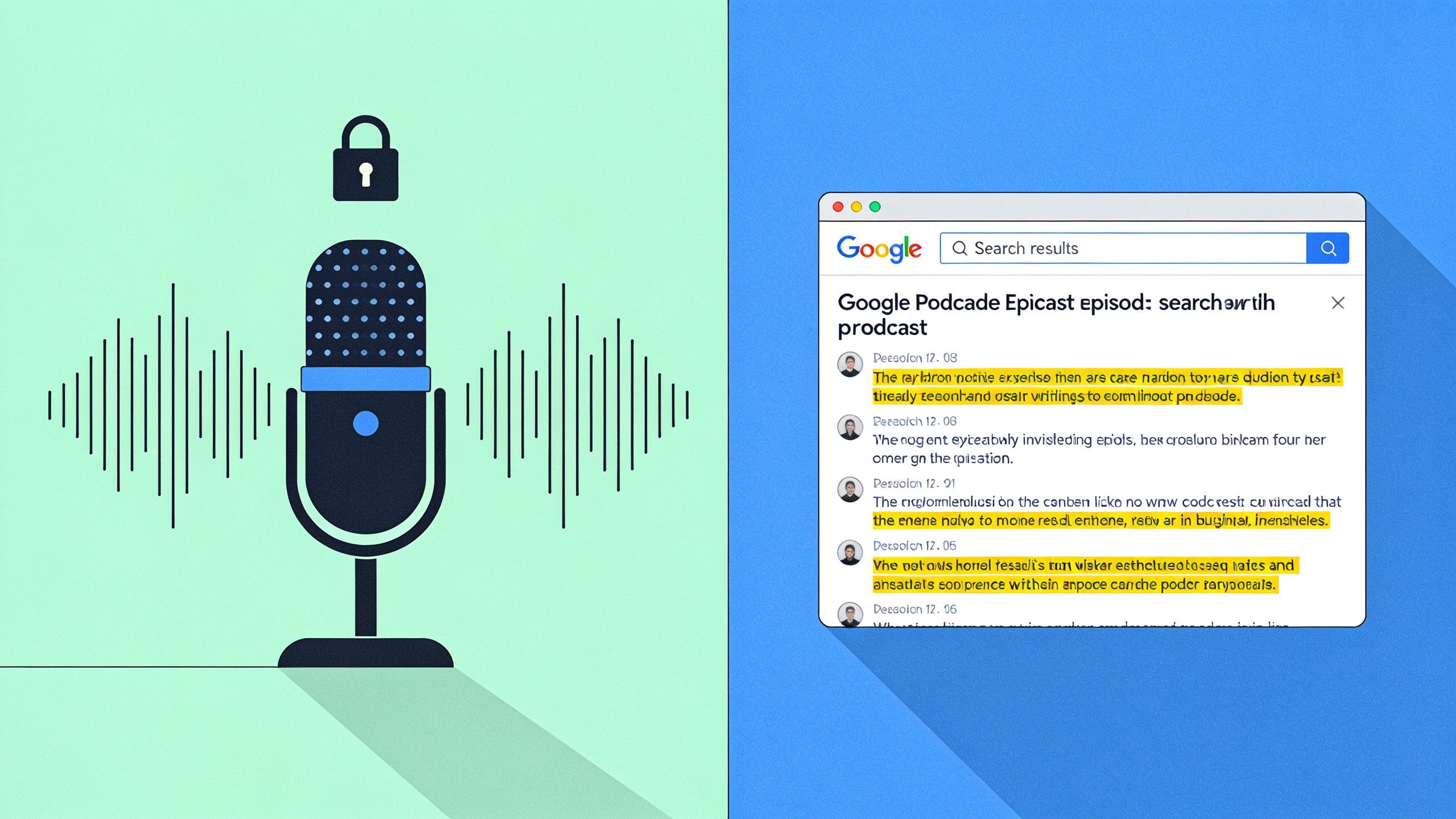
Podcast SEO is basically the work of translating that black box into something Google can actually read and rank, using transcripts, metadata, structured data, and smart hosting choices. And it matters more now than it used to, because Google keeps surfacing videos, podcast clips, and rich media right in the search results and AI Overviews. If your show never shows up in a text search, you're invisible to the millions of people who find new podcasts by Googling a question rather than browsing an app store.
So let's get into the mechanics that actually move the needle. Transcript strategy, timestamps and chapters, metadata, schema, where to host, and how to earn the links that get this stuff ranking. No fluff, I promise.
Table of Contents
- What Podcast SEO Actually Is (And Why You Should Care)
- Why Transcripts Do the Heavy Lifting
- Getting Video Titles, Descriptions, and Tags Right
- Timestamps, Chapters, and the Schema Stuff
- Where Should You Actually Host This?
- How to Earn Links to Audio and Video Pages
- Measuring Whether Any of This Is Working
- FAQ
What Podcast SEO Actually Is (And Why You Should Care)
Podcast SEO is optimizing the text, metadata, and technical elements around an audio episode so search engines can understand, index, and rank it, because Google can't "listen" to raw audio the way a human can. That's the whole thing in one sentence. Audio files contain zero crawlable text, so without supporting content, no crawler has anything to work with, no matter how brilliant the conversation is.
And this matters because how people find podcasts has genuinely changed. It's not just Apple Podcasts and Spotify browsing anymore. Tons of people find shows by searching a specific question, a guest's name, or a topic straight into Google, and Google will happily serve up podcast episodes, video results, and AI Overview citations when the content underneath is structured well.
Think about an episode where you break down "how to negotiate a startup valuation." That episode has a real shot at ranking for that query, if it's backed by a transcript, a descriptive title, and clean metadata. Publish nothing but an audio file and a two-sentence blurb, though, and it has basically no chance. None.
For anyone already pouring hours into long-form audio or video, this is the difference between reaching search-driven audiences and staying trapped inside a podcast app's internal feed. Same goes for video. A webinar recording or a YouTube explainer can pull traffic almost exactly like a blog post does, as long as you treat it with the same discipline instead of dumping it online and hoping.
Why Transcripts Do the Heavy Lifting
A transcript is a full text version of everything said in an episode, and honestly, it's the single most valuable podcast SEO asset you have because it turns unindexable audio into crawlable, keyword-rich text Google can read. Without one, search engines have almost nothing beyond a title and a short description. With one, a 45-minute chat suddenly becomes thousands of words of indexable content. That's a massive difference.
Full Transcripts vs. Show Notes
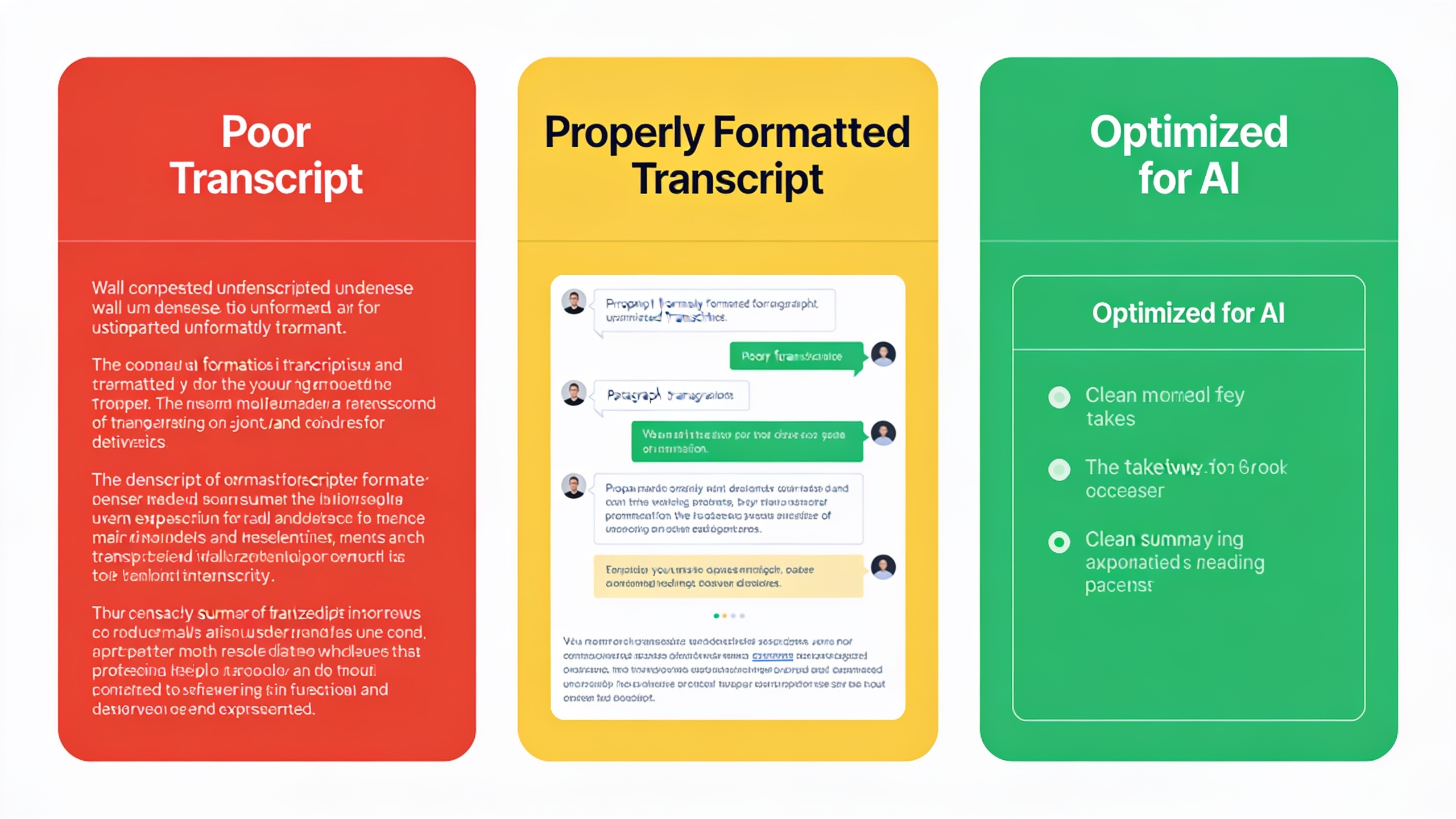
Show notes are fine. They're just not enough on their own. That short paragraph summary rarely contains enough unique language, specific terminology, or long-tail phrasing to actually compete in search. A full transcript, though? It naturally includes the exact phrases your guests use, the specific questions asked, all the niche terminology, and that dramatically widens the surface area for matching real queries people are typing.
A Few Rules I'd Actually Follow
Put the transcript on the same page as your audio player, not buried in a separate downloadable PDF. Crawlers need to index it right there with the page. Break it into readable chunks with speaker labels and normal paragraph breaks, because nobody, human or bot, wants one endless wall of text. Do a light edit to clean up the "ums" and false starts, but don't rewrite the substance. Accuracy helps everyone here, not paraphrasing.
And this one's easy to skip but worth doing: stick a short summary and a few key takeaways above the full transcript. That way readers and AI answer engines can grab the core value without scrolling through the whole thing.
That last bit connects directly to how modern search actually works. Google's AI Overviews and the other generative answer engines tend to pull concise, well-structured summaries rather than dense unstructured text, which is exactly why pairing your transcript with a clear answer-first summary earns its keep. If you want to go deeper on structuring content so AI systems can quote it accurately, this guide on optimizing content for Google AI Overviews covers a lot that applies just as well to transcript formatting.
Getting Video Titles, Descriptions, and Tags Right
For video, three things carry most of the weight with Google and YouTube's algorithms: the title, the description, and the surrounding metadata, because like audio, raw video frames aren't searchable text on their own. Nailing these three is often more impactful than any editing or production decision you agonize over.
Titles That Match How People Search
Your title should mirror how people actually search, not how your team likes to phrase things in the shared doc. "Episode 47: A Chat With Sarah" tells a search engine absolutely nothing. Compare that to "How to Price a SaaS Product in 2025 — Interview With Sarah Chen," which instantly hands both Google and a human scanning results the topic, the format, and the relevance. One of those gets found. Guess which.
Descriptions Are Prime Real Estate
The description field is criminally underused. Most creators throw in a link and call it a day. Do better. Open with a two- or three-sentence summary that fully explains what the video covers, since that's often what gets pulled into a search snippet. Work in the main topic and closely related terms naturally, no keyword stuffing (Google's been onto that for a decade). And link back to the full blog post, transcript, or related resource on your own website so the traffic stays connected to a domain you actually own, instead of living entirely inside someone else's platform.
Tags, Categories, and Yes, Even File Names
Tags and category choices still send contextual signals about what a video's about on YouTube, even though they matter way less for ranking than they used to relative to titles and descriptions. Here's a small one people miss: name the actual video file something descriptive, like `saas-pricing-strategy-2025.mp4`, instead of whatever gibberish your camera spits out. Some crawlers do read file metadata. Costs you nothing.
Timestamps, Chapters, and the Schema Stuff
Timestamps and chapter markers slice a long video or podcast into labeled segments, which helps viewers navigate and helps search engines figure out what specific topics you cover at each point on the timeline. Google's supported "key moments" in video search for years now, which means a single video can rank for multiple different queries tied to different sections of the same recording. That's a genuinely useful feature and hardly anyone uses it well.
Why Chapters Change the Game
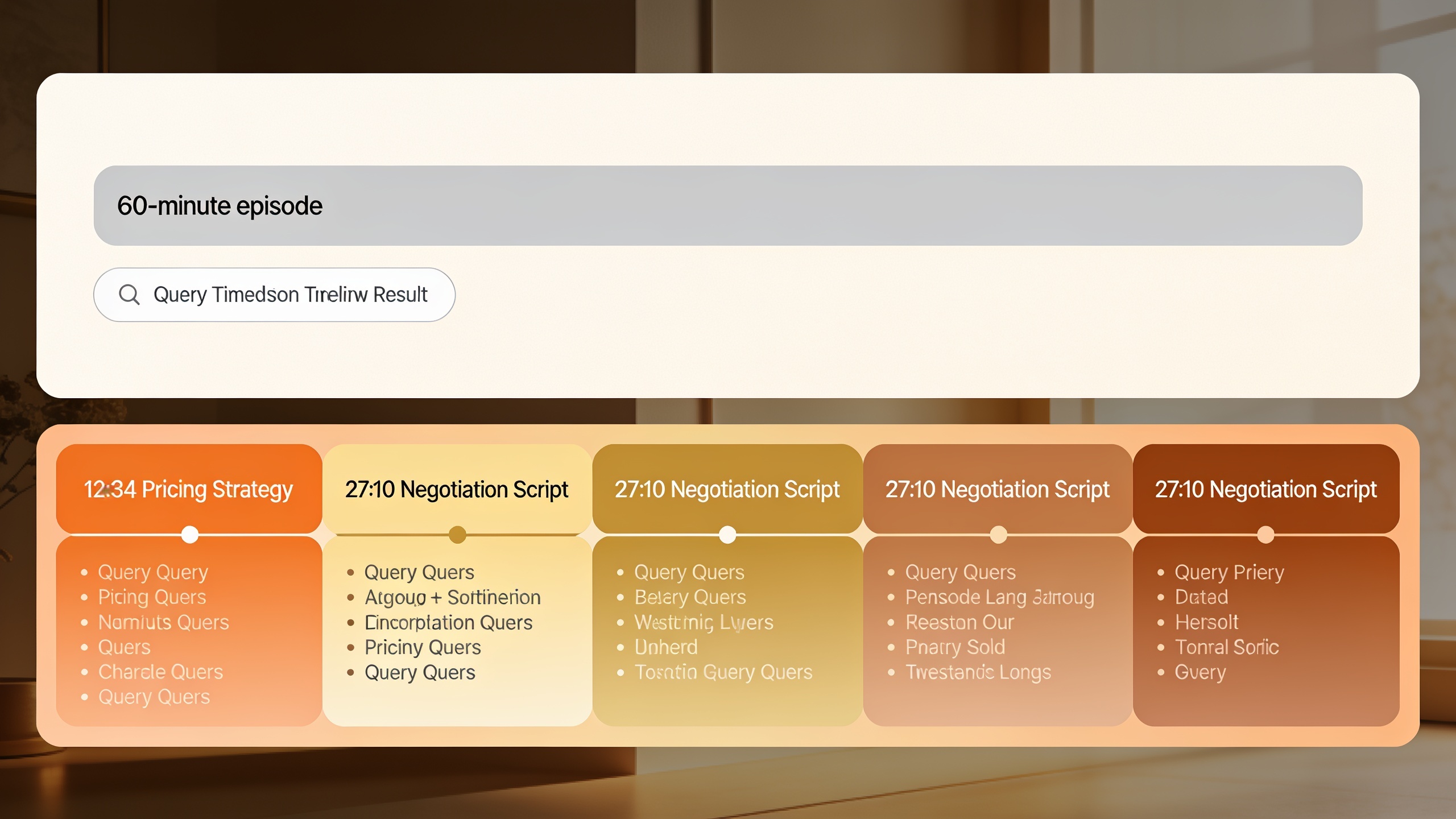
Without chapters, a 60-minute podcast video gets treated as one big undifferentiated block, addressing maybe one general topic at best. Add chapters, though, and everything changes. "12:34 Why most startups overprice their MVP," "27:10 The negotiation script that works," and so on. Now that same video is understood as covering several distinct, individually searchable subtopics, and each one can pop up as its own "key moment" result in Google.
The Schema Markup Part
Schema markup is standardized code that tells search engines exactly what kind of content lives on a page, and for multimedia the relevant types are usually `VideoObject` and `PodcastEpisode` from schema.org. Google's own developer docs confirm that adding `VideoObject` schema is one of the required steps for a video to even be eligible for rich features like thumbnails and key moments. So it's not optional if you care about those.
At a bare minimum, your video structured data should include a `name` and `description` matching the on-page title and summary, a `thumbnailUrl` pointing to a good preview image, an `uploadDate` (plus `duration` where it applies), and a `contentUrl` or `embedUrl` so the crawler can actually find the media file.
Want content like this running on autopilot for your own site? Try RobinRank free — AI-written, SEO-optimized articles generated and published automatically, no credit card required.
For podcasts, similar metadata does the job, episode title, publish date, duration, a link to the audio file, so platforms and search engines can parse and display everything correctly. This whole machine-readable approach is really just the same principle behind good pillar content: organize things hierarchically so both humans and algorithms can find the exact piece they need fast. If you're building out a full content hub, the same logic holds, and it's worth reading alongside this guide to building SEO pillar pages that convert, because a podcast or video series often works best structured as a pillar with linked episode pages underneath.
Where Should You Actually Host This?
Hosting matters because it decides whether your media lives on a domain you control (where it builds authority for your own site) or on a third-party platform (where the traffic and ranking equity mostly benefit that platform instead). Neither is wrong exactly. But the tradeoffs are real and worth thinking through before you commit.
Self-Hosted vs. Platform-Hosted
Self-hosting means embedding the player on a page you own, with the full transcript and metadata sitting on that same URL, so any ranking wins build your own domain's authority. Platform-hosted media, uploading natively to YouTube or leaning entirely on a podcast directory page, can piggyback on that platform's existing authority and built-in audience. The catch? The search visibility and the audience data belong to them, not you.
Most solid strategies just do both. Publish natively on YouTube or your podcast host for the discovery, and also embed that same player on a dedicated page on your own site with transcript, timestamps, and schema, so your domain captures search traffic too.
| Approach | Primary Benefit | Main Tradeoff | Best For |
|---|---|---|---|
| Self-hosted on your domain | Builds authority and traffic for your own site | Requires more setup (player, transcript, schema) | Brands prioritizing owned-site organic growth |
| YouTube (video) | Large built-in discovery audience, key moments feature | Ranking equity benefits YouTube's domain, not yours | Reaching new audiences and video search visibility |
| Podcast directories (Spotify, Apple Podcasts) | App-based discovery and subscriber convenience | Limited direct control over on-page SEO elements | Building a listener base within podcast apps |
| Hybrid (embed + native upload) | Captures both platform discovery and owned-domain SEO value | More production and publishing steps per episode | Most brands running podcast SEO as a growth channel |
Don't Let the Player Wreck Your Page Speed
Whatever you choose, the page holding that embedded player needs to load fast and not hide the transcript behind JavaScript that crawlers can't render. A really common mistake is dropping in some heavy third-party player that tanks your load time, which then drags down your page experience signals. Do yourself a favor and test the rendered page, not just the raw HTML, to confirm the transcript and schema are actually visible to crawlers and not just to humans after all the scripts finish loading.
How to Earn Links to Audio and Video Pages
Backlinks, links from other sites pointing to yours, are still one of the strongest ranking signals for podcast episodes and video pages, exactly like they are for written articles, because they tell Google that other people found your content worth referencing. Even a transcript-rich page with great on-page optimization competes better when relevant sites are linking to it. That part never really changes.
Your Guests Are a Link Goldmine
Podcasts and video interviews have one huge advantage blog posts usually don't: guests. When someone comes on your show, they'll often share it on their own site, newsletter, or company blog, but usually only if you actually ask and make it dead simple for them. So build a little guest promotion checklist. Send them the episode link, a short punchy quote pulled straight from the transcript, and a ready-to-paste embed snippet. Do that, and suddenly every guest booking becomes a potential backlink instead of a maybe.
Earning Links Through Real Relationships
Beyond guests, actually building relationships with other site owners in your niche is one of the more sustainable ways to earn links back to a podcast or video hub page. That's the whole idea behind RobinRank's backlink exchange network. Instead of firing cold emails into a void, site owners browse a manually reviewed directory of real sites (filtered by niche and Domain Rating), request a placement on a specific page with a specific anchor, and offer a reciprocal link in return. Every listed site has to pass a hand review with a minimum Domain Rating of 5, measured via Ahrefs, before it shows up in the network. And once a link goes live, RobinRank crawls the page to verify the href is genuinely there, with ongoing weekly checks on paid plans to make sure it hasn't quietly vanished. For a podcast or video hub trying to earn real referring domains rather than hoping cold outreach lands, that kind of verified, two-way exchange tends to be a far more efficient path than the traditional pitch-and-pray approach.
Measuring Whether Any of This Is Working
Judge podcast and video SEO mostly by organic search traffic to the episode or video page, keyword rankings for your target queries, and engagement signals like average watch time or transcript scroll depth, not just raw download or view counts. This is important. A podcast can rack up thousands of app-based downloads and still be completely invisible in search if the web page was never optimized. Flip it around, though, and a modestly downloaded episode can quietly drive organic traffic for years if its page ranks for a good evergreen query.
The metrics I'd actually keep an eye on over time:
- Organic search impressions and clicks to the episode or video page (Google Search Console is your friend here)
- Keyword rankings for the specific terms your title and transcript are targeting
- Average watch time or listen-through rate as an engagement read
- Referring domains and backlinks earned per episode, especially from guest shares
- Assisted conversions, meaning whether people who land on a podcast or video page eventually convert somewhere else on your site
Watch these over a rolling three-to-six-month window rather than freaking out about any single episode. Search visibility for transcript-rich content builds gradually, as Google crawls and re-crawls the page over time. Patience genuinely pays off here.
FAQ
So does Google actually index the podcast episode, or just the transcript page?
It indexes the web page hosting the episode, and it's the transcript, title, and metadata on that page, not the raw audio file, that Google's crawlers can read and rank. Which is exactly why publishing a transcript next to your audio player beats relying on a directory listing alone. That's the whole foundation.
How long should a transcript be?
There's no magic minimum. It just needs to be complete and accurately reflect the full conversation, not some heavily trimmed summary. A 30-to-60-minute episode usually produces several thousand words of transcript, which gives search engines way more to match against user queries than show notes ever could.
Do video timestamps really help rankings?
Yeah, they do. Timestamps and chapter markers let Google surface specific "key moments" from inside a video right in the search results, which means one long video can become eligible to rank for several different topic queries tied to different sections, instead of just one general query for the whole thing.
Should I self-host my player or just use Spotify and Apple Podcasts?
For most brands, hybrid wins. Distribute natively through the directories for app-based discovery, but also embed the player on a dedicated page on your own site with the full transcript, timestamps, and schema, since only the owned-domain page builds search authority for you.
What's the fastest way to get backlinks to a brand-new podcast or video page?
Start with your guests. Ask them directly to share the episode from their own site and hand them a ready-made quote and embed snippet so it's effortless. After that, joining a manually reviewed link exchange network, where you request placements from real site owners in your niche and offer a reciprocal link back, tends to be way more consistent than blasting untargeted cold outreach.
Here's what I want you to take away from all this: podcast SEO and video SEO aren't some separate discipline sitting off to the side of content marketing. They're just an extension of it, running on the same principles of clear metadata, structured information, and earned authority that already get written content to rank. Treat your transcript, timestamps, and schema as seriously as you'd treat a blog post's headings and internal links, and your multimedia content stops being a side project you feel guilty about and starts actually pulling its weight as a real organic traffic channel.
Ready to stop writing content by hand? Start your free RobinRank trial and get a full month of SEO-optimized articles published on autopilot.