The Content Brief Template That Keeps Your Blog Consistent at Scale

And this gets more important the bigger you get. One or two writers can keep the whole brand in their heads. But once you've got ten writers plus a few freelancers plus some AI tool thrown into the mix, forget it. Nobody's holding all that in their memory. So what I want to do here is hand you a complete, reusable brief template, walk through what each piece is actually for, and show you how to make it stick so your blog doesn't fall apart as you go from four posts a month to forty.
Table of Contents
- What Is a Content Brief Template and Why Does It Matter for Content Ops Scalability?
- The Core Components Every Content Brief Template Needs
- The Full Content Brief Template (Copy-Paste Ready)
- How Do You Use a Content Brief Template Across a Growing Team?
- Content Brief Template vs. Freeform Writer Instructions
- Common Mistakes That Break Consistency Even With a Brief
- How AI Tools Fit Into the Content Brief Workflow
- Frequently Asked Questions
What Is a Content Brief Template and Why Does It Matter for Content Ops Scalability?
A content brief template is a reusable framework that captures every decision a writer needs before they start drafting: who it's for, what search intent it serves, which keywords and subtopics it has to cover, and how it should be built. Instead of reinventing all that thinking for every single article, you fill in the same template each time. The decisions change from post to post. The format of those decisions never does. That's the whole trick.
Content ops scalability (the ability to publish more without your editing time, revisions, and quality all going sideways) leans almost entirely on this kind of standardization. When every brief follows the same skeleton, an editor knows exactly where to look for a missing H2 or a wishy-washy audience definition, instead of reading each draft cold like they've never seen it before. And that one change snowballs. Fewer rewrite cycles. Faster onboarding. A blog that actually reads like one voice even when five people touched it in a month.
Honestly, this is why briefs are non-negotiable for anyone trying to publish at volume, whether you're an in-house marketing team, an agency juggling a dozen client blogs, or a solo founder trying to build organic traffic without hiring a whole editorial department.
The Core Components Every Content Brief Template Needs
Every usable brief has four sections you can't skip: target audience, search intent, keyword targets, and structure guidelines. Drop any one of them and you'll spot it in the finished draft. The piece will talk to the wrong reader, or it'll miss what they were actually searching for, or it'll ignore the keywords that would've earned it any visibility, or it'll just wander structurally in a way that hurts both readability and SEO.
Target Audience and Reader Context
The audience section nails down who's reading this article. Not your brand's audience in some abstract sense, but the reader for this exact piece. "SEO professionals" is useless. Way too broad. Compare that to "an in-house SEO manager at a 50-person SaaS company trying to convince their VP of Marketing to pay for a content ops tool." Now the writer has something to actually aim at. This section should cover what the reader already knows, what objections they're bringing to the table, and what decision they're inching toward as they read.
And if your blog serves more than one type of reader (say, both B2B buyers and B2C consumers), the brief has to say which one this piece is for. The tone, the proof points, the calls to action, they all shift depending on the answer. I've seen articles fall flat purely because nobody decided this upfront. There's more on that split in this breakdown of B2B versus B2C content marketing tactics if you want to go deeper.
Search Intent Classification
Search intent is the goal hiding behind a search query, informational, navigational, commercial, or transactional, and it shapes basically everything about how you write. Take "content brief template." That's mostly informational with a commercial undertone. People want a usable framework, sure, but a good chunk of them are quietly sizing up whether they need a tool or service to actually pull it off. Get the intent wrong and you're toast. A transactional query answered with a dry academic essay will flop no matter how beautifully it's written.
Keyword Targets and Semantic Coverage
The keyword section lists the primary keyword you're chasing, plus the secondary and semantically related terms that tell search engines you've actually covered the topic. But it shouldn't stop at the keyword itself. It should say where it needs to land, usually the title, the first 100 words, and two or three subheadings for the primary term, along with a list of related concepts and questions the piece should hit so it reads as thorough rather than stuffed. Keyword stuffing is the fastest way to look like you're trying too hard, so this part matters.
Structure and Formatting Guidelines
Structure guidelines decide the shape of the thing: how many H2s, whether you're expecting H3s, where a table or a list genuinely earns its place versus where plain prose does the job better, and roughly how long the draft should run. This is the section that's most responsible for brand-level consistency, and here's why. Tone can drift a little between writers and readers won't clock it. But a blog where half the posts have numbered lists and FAQ sections and the other half don't? That feels sloppy even to someone skimming.
The Full Content Brief Template (Copy-Paste Ready)
Alright, here's the actual thing. Copy it into a doc, your project management tool, a CMS field, wherever, and use it for every article your team ships.
1. Article Title & Primary Keyword
- Working title:
- Primary keyword (must appear in title, first 100 words, 2-3 H2s):
- Secondary keywords to weave in naturally:
2. Target Audience
- Who is this specific reader (role, company size, experience level)?
- What do they already know coming in?
- What decision or action should they be closer to after reading?
3. Search Intent
- Intent type (informational / commercial / transactional / navigational):
- What is the reader actually trying to find or accomplish?
- What competing pages currently answer this query, and what do they miss?
4. Keyword & Topic Coverage
- Primary keyword placement requirements:
- Secondary/related keywords:
- Subtopics or questions the piece must address:
- Any statistics, studies, or named examples to include (verified sources only):
5. Structure Guidelines
- Target word count:
- Number of H2 sections (typically 5-8):
- Where H3s are appropriate:
- Table or comparison required? (Y/N — specify what's being compared):
- FAQ section required? (Y/N, list 4-5 real questions):
6. Tone & Brand Voice
- Tone descriptors (e.g., professional but approachable):
- Point of view (first person, second person, brand voice):
- Sentence/paragraph length preferences:
7. Internal & External Links
- Internal links to include (exact URLs and suggested anchor text):
- External sources to cite for statistics or claims:
8. Calls to Action
- What should the reader do next?
- Any product or service to reference, and how directly:
9. Editorial Notes
- Anything to avoid (competitor claims, unverifiable stats, banned phrases):
- Approval checklist before publishing:
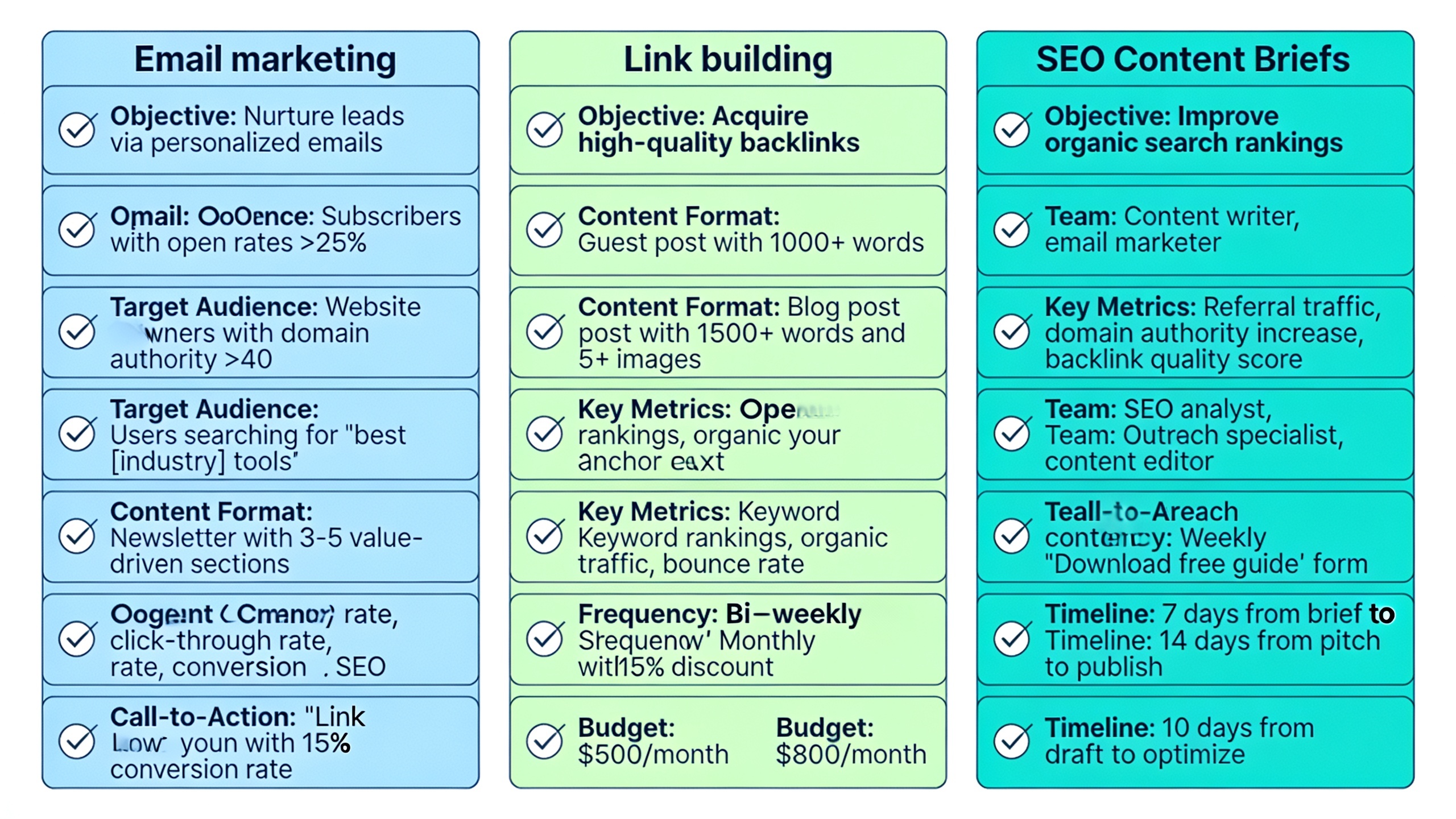
The reason this works is that it forces the same nine decisions every single time, no matter the topic. A writer filling in field 2 for an email marketing piece and a writer filling in field 2 for a link building piece are running the exact same exercise, just with different inputs. That repeatability is the whole ballgame when it comes to scaling.
How Do You Use a Content Brief Template Across a Growing Team?
A brief template only helps consistency if you actually enforce it as a required step before writing starts, not as some optional doc people backfill after the fact. The most reliable move is to treat the brief as a gate. No draft gets handed to a writer, freelancer, or AI tool until every field is filled in and an editor has signed off. No exceptions, or you'll regret it.
For teams juggling a mix of contributors, in-house staff, freelancers, guest writers, all publishing to the same blog, the brief is your main line of defense against that "patchwork" feeling readers subconsciously pick up on when the tone and structure lurch around from post to post. This ties closely into protecting a single brand voice across a bunch of authors, which is its own beast. There's a whole guide to keeping a multi-author blog sounding like one brand worth reading on that. The brief handles structure and intent; a documented style guide handles voice. Together they cover most of what breaks at scale.
Want content like this running on autopilot for your own site? Try RobinRank free — AI-written, SEO-optimized articles generated and published automatically, no credit card required.
In practice, most teams run one of three setups. Some keep a shared template in Google Docs or Notion, duplicating it for each new article and having a strategist or SEO lead fill it in before assignment. Others build a brief field right into their project management software (Asana, Trello, ClickUp) so the brief travels with the task instead of floating around in some separate doc nobody can find. And some embed the template into the CMS or content workflow tool itself, so the structure and keyword requirements are staring the writer in the face while they draft.
Whatever you pick, the review checkpoint matters as much as the template does. An editor should confirm the brief is complete before handing it off, not stumble onto the gaps after the draft lands. Because by then? Fixing a botched search intent or the wrong audience means a full rewrite instead of a five-minute tweak.
Content Brief Template vs. Freeform Writer Instructions
Teams that skip a real brief usually lean on freeform instructions instead. A Slack message. A rough outline. A quick paragraph of context fired off to the writer. This is fine at low volume. But it falls apart as output climbs, because nothing forces the same categories of info to get communicated every time. You're just relying on whatever the assigner happened to remember that day.
| Dimension | Content Brief Template | Freeform Instructions |
|---|---|---|
| Consistency across writers | High — same fields completed every time | Low — depends on what the assigner remembers to mention |
| Onboarding new writers/freelancers | Fast — template is self-explanatory | Slow — requires back-and-forth clarification |
| Search intent alignment | Explicit field forces a decision | Often assumed, sometimes wrong |
| Keyword placement compliance | Specified directly in the brief | Frequently missed or inconsistent |
| Revision cycles | Fewer — misalignment caught before drafting | More — misalignment surfaces after the draft is done |
| Scalability to 10+ articles/month | Sustainable | Breaks down quickly |
| Editor time per article | Front-loaded, shorter overall | Back-loaded, longer overall |
The pattern's pretty clear. A brief template shoves the cost of clarity to before the draft exists, where fixing a gap takes minutes. Freeform instructions push that same cost to after the draft is done, where the fix is a rewrite. And as your monthly output grows, that gap compounds into either a smooth scaling curve or a nasty editorial bottleneck. Your call.
Common Mistakes That Break Consistency Even With a Brief
Having a template doesn't magically guarantee consistency. There are a handful of failure patterns that wreck even a well-designed brief, and almost all of them come down to the brief being filled in lazily rather than the template being broken.
The big one is vague audience fields. Write "marketers" instead of an actual role, company size, and knowledge level, and you've given the writer nothing to aim at, so they default to generic mush that could apply to literally anyone.
Then there's skipping the intent field entirely. Teams love to fill in keywords and structure but leave search intent blank because they figure it's obvious from the keyword. It almost never is. The same keyword can serve informational and commercial intent depending on tiny query variations, and guessing wrong here is one of the most common reasons a genuinely well-written article still tanks in search. Frustrating, but true.
Another classic: copy-pasting a raw keyword list with zero curation. Dumping every term your research tool spat out into the brief, without deciding which ones actually belong in this piece, leads to either keyword stuffing or a Frankenstein article that tries to cover six topics at once and nails none of them.
And don't leave word count, heading count, and formatting wide open. No structural guardrails means you've reintroduced the exact inconsistency the brief was supposed to kill. One writer turns in 800 words with no subheadings, the next hands you 4,000 words with a table of contents. Fun.
Last thing, and this one's sneaky: treating the brief as a one-way document. The best briefs get better after a writer flags something the brief-writer missed. But loads of teams never build in a feedback loop, so the same gaps just keep repeating brief after brief instead of getting fixed at the source. Close that loop.
How AI Tools Fit Into the Content Brief Workflow
AI tools can draft straight from a content brief template, but the output is only ever as good as the brief. A vague brief produces a vague AI draft just as reliably as it produces a vague human one. The brief is the input. The AI (or the human) is just the execution layer that turns it into prose. Garbage in, garbage out, same as it ever was.
This is basically the model RobinRank is built around: an AI-powered SEO platform that writes, optimizes, and publishes articles for businesses using structured inputs, audience, intent, keywords, structure, pretty much the template above, rather than some loose topic idea. The upside at scale is that the same rigor you'd apply to one brief gets applied automatically across dozens. And that's where the real scalability gain lives. The bottleneck shifts from "can we write enough content" to "can we define enough good briefs," and defining a brief is a far more scalable problem than hand-writing a full draft.
Content is only half the organic growth story, though. RobinRank also runs a manually reviewed backlink exchange network, where site owners request placements from each other, offer reciprocal links back, and get the live placement verified instead of gambling on cold outreach or sketchy paid link marketplaces. Every site in the network needs a minimum Domain Rating of 5 (Ahrefs) and gets checked by hand before it's listed. It's free for seven days after your site's approved, and after that the Pro tier runs $19 per month, cancel anytime. Pairing consistent, brief-driven content with a verified link-building channel hits both sides of what it actually takes to grow organic traffic without a full in-house team.
Frequently Asked Questions
So what's the actual difference between a content brief and a content outline?
A content brief covers the strategic calls behind an article, the audience, search intent, keyword targets, and structural rules, while an outline is just the specific sequence of headings and subheadings for one draft. A good outline usually gets produced from a completed brief, not in place of one.
How long should writing a brief take?
Depends on your team and how gnarly the topic is, but the whole point of a good template is to make brief-writing fast because the categories are already locked in. You're filling in specifics, not agonizing over what categories to even consider. Teams on a consistent template usually say it takes way less time than writing the equivalent guidance from scratch in a Slack message or email.
Should freelancers get the same brief template as in-house writers?
Yes. Absolutely. Consistency depends on everyone working from the same expectations, and freelancers especially benefit from a detailed brief because they don't have the implicit brand context an in-house writer soaks up over months.
Can one template cover every type of article, or do different formats need their own?
The core sections (audience, intent, keywords, structure) apply to nearly every blog article regardless of format. Really specialized stuff like in-depth case studies or data-driven original research might need a few extra fields, but starting from one core template and bolting on format-specific sections is way more sustainable than maintaining a bunch of unrelated templates.
How do I know if my template is actually working?
Track revision cycles and time-to-publish before and after you standardize. If drafts are coming back for major structural or intent-related rewrites less often, and new writers are producing on-brand work faster, the template's earning its keep. And if you keep seeing the same gaps over and over, that's usually a sign a specific field needs to be spelled out more clearly.
A content brief template isn't some bureaucratic hoop to jump through. It's the mechanism that lets a blog grow from a handful of posts a month to dozens without losing the coherence that made it worth reading in the first place. Get the audience, intent, keywords, and structure sorted on paper before a single word gets drafted, and the consistency your readers notice, even if they couldn't tell you why, pretty much takes care of itself.
Ready to stop writing content by hand? Start your free RobinRank trial and get a full month of SEO-optimized articles published on autopilot.